


50 Realistic Broken Screen Wallpapers for iPhone & Android (4K HD)
Free download most realistic broken screen wallpaper collection base on latest and more real effect vison. Edit for mobile screen like iPhone & iOS.
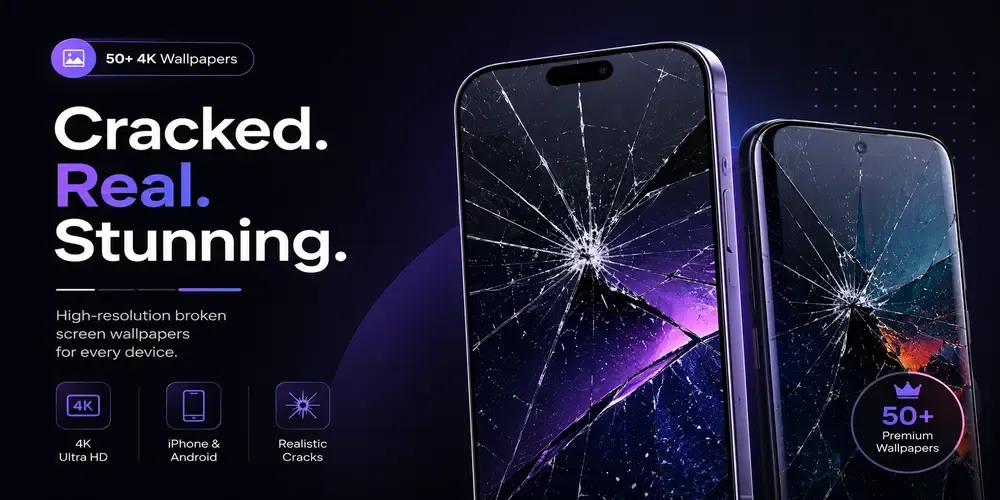
Prank with your friends or love ones, with our latest creation of original Realistic Broken Screen Wallpapers. From this page you can find 50+ latest collection of realistic high quality HD and 4K image that is specially crafted for almost all Android and iOS mobiles sizes. Those images you can easily download by click a single button no wait or loading.
Note: Please use these images for your personal use only, we make these images by spend lots of time and hard work. So if you if our images for any commercial use without our concern then we may submit a DMCA report. Thank you for your support.
How Do I Download the Wallpapers?
From this page, you can easily download any image in one click by clicking the image below button (downloading using the button is recommended for the best quality). Additionally, each broken screen wallpaper image is available for free download, and the full set includes 4K HD quality for iPhone and Android use. Moreover, this collection lists all items under the same browsing section, making it easy to find similar wallpapers.
What Formats Are Available?
Both PNG and JPEG are available for every broken screen wallpaper in this set. PNG keeps lossless quality for sharp-looking cracks, while JPEG cuts file size so your cracked screen wallpaper is easier to store. As a result, both formats work well on mobile displays, including iPhone broken wallpaper setups.
- PNG – lossless quality for sharper details.
- JPEG – smaller file size for lighter storage.
Choose Your Favorite One from Below
Here is your 50 realistic broken screen wallpapers for iPhone & Android (4K HD). One click to download supported for all devices. You can also set these wallpapers as your lock screen or home screen.
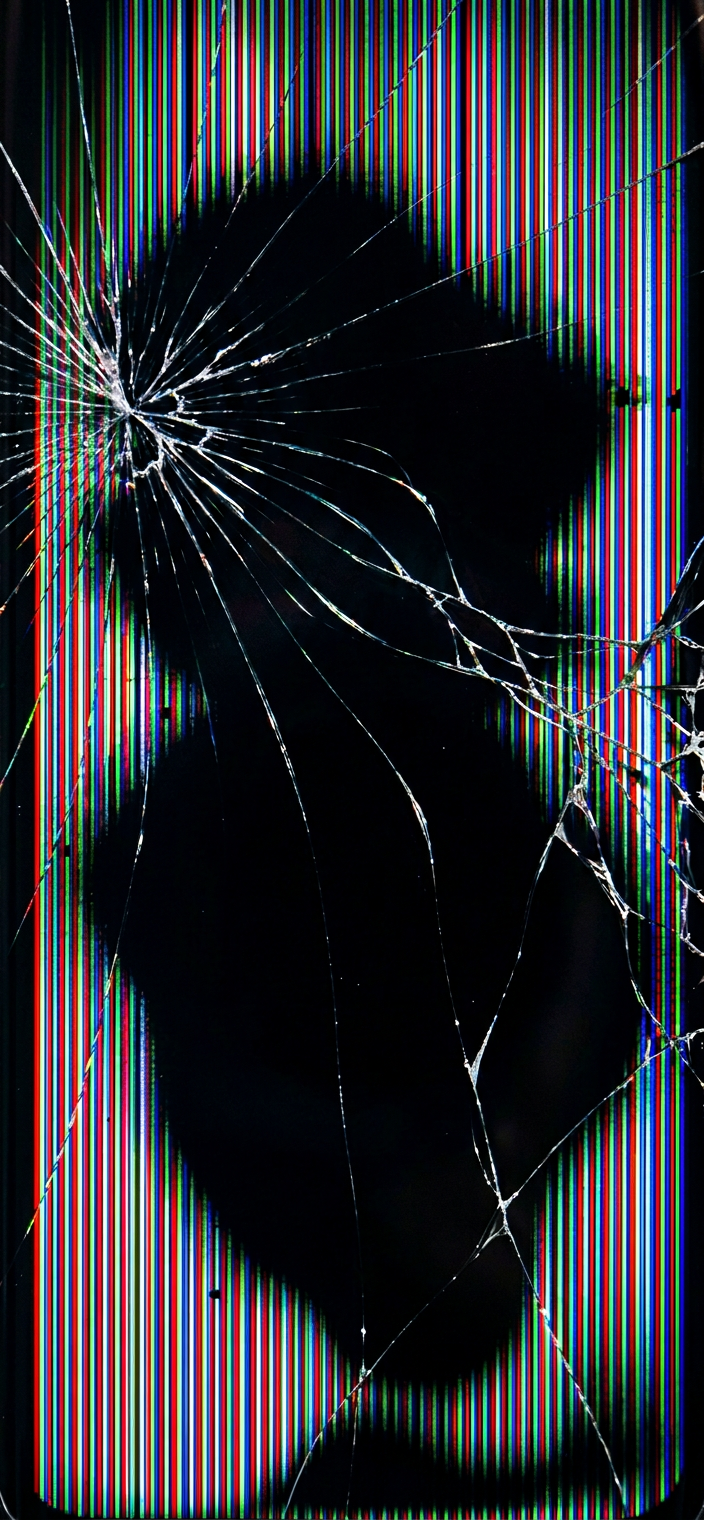
Amoled Ink Bleeding Wallpaper
Download PNG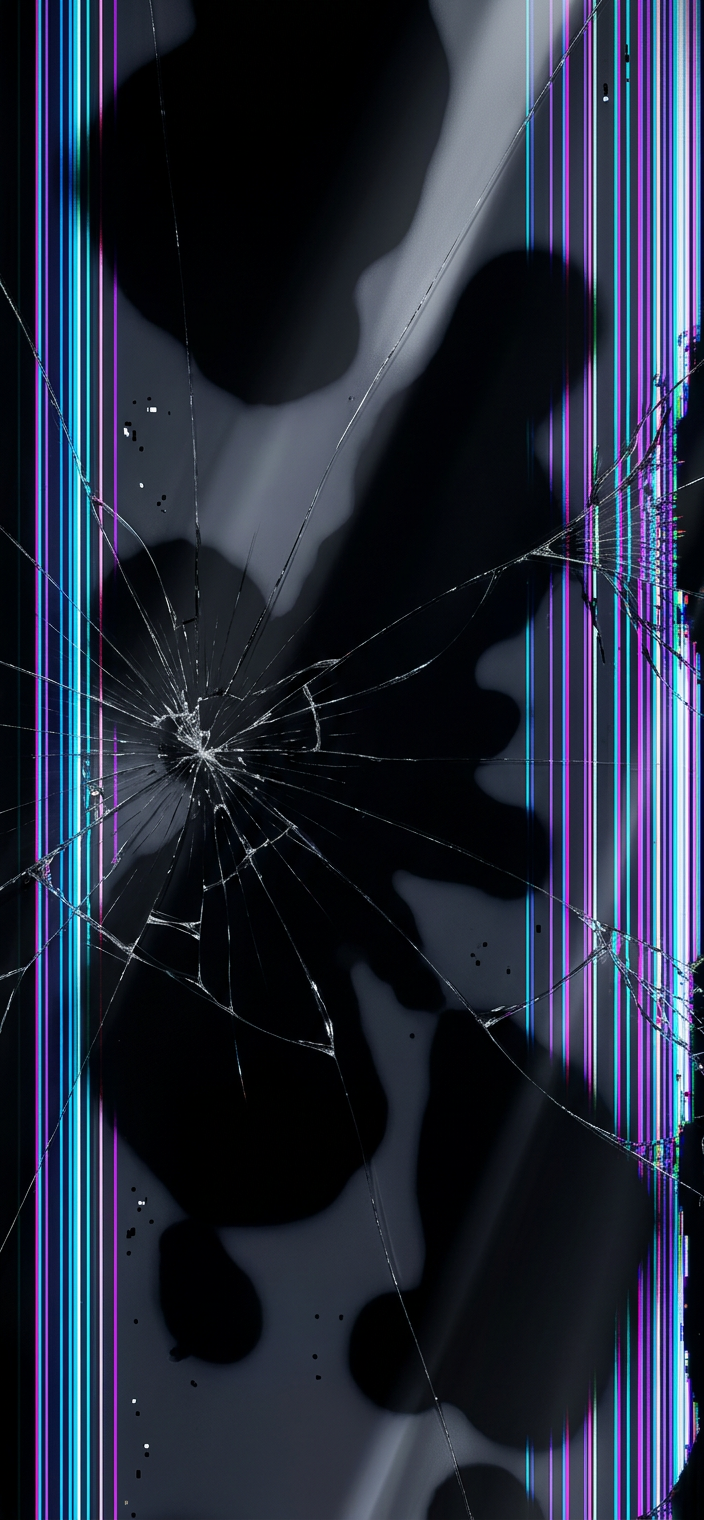
Amoled Ink Bleeding Wallpaper v2
Download PNG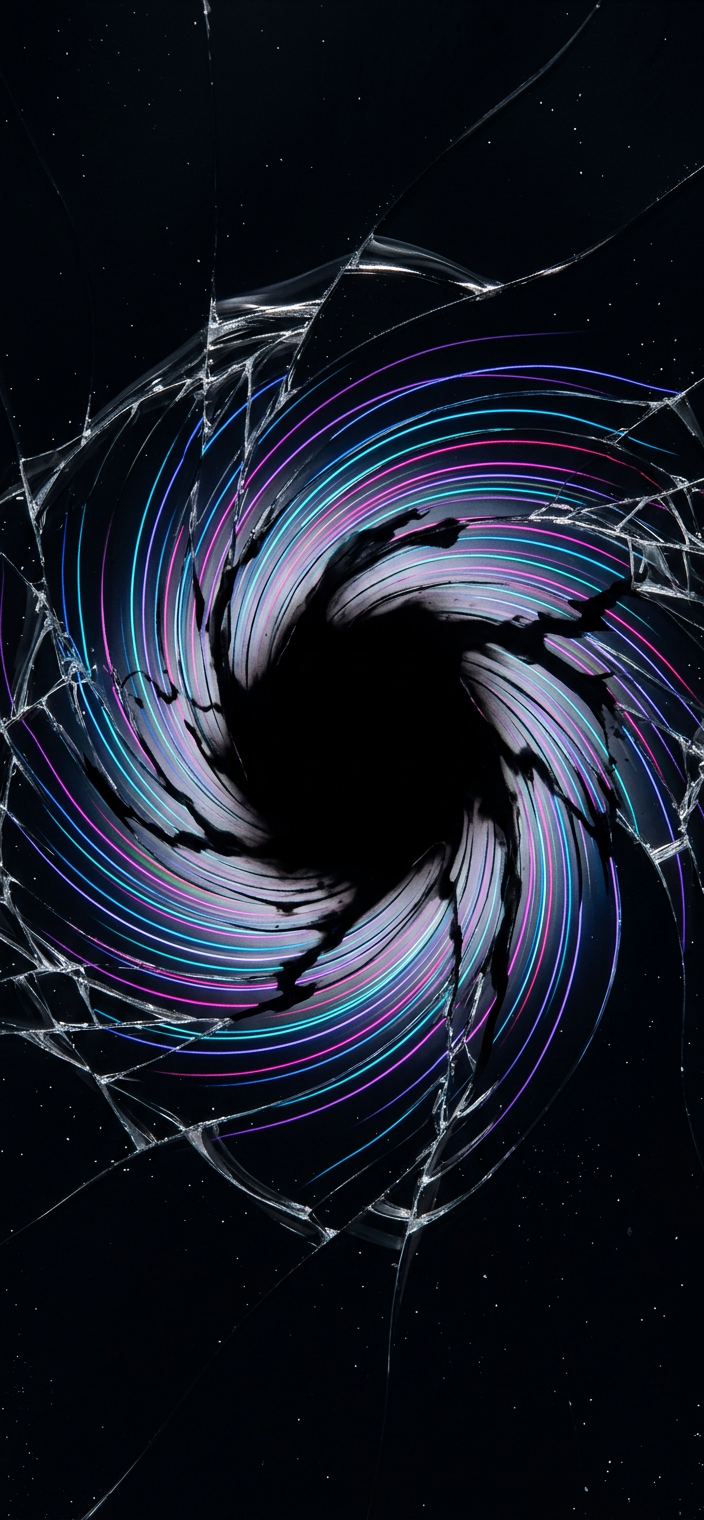
Blackhole Collapse OLED Wallpaper
Download PNG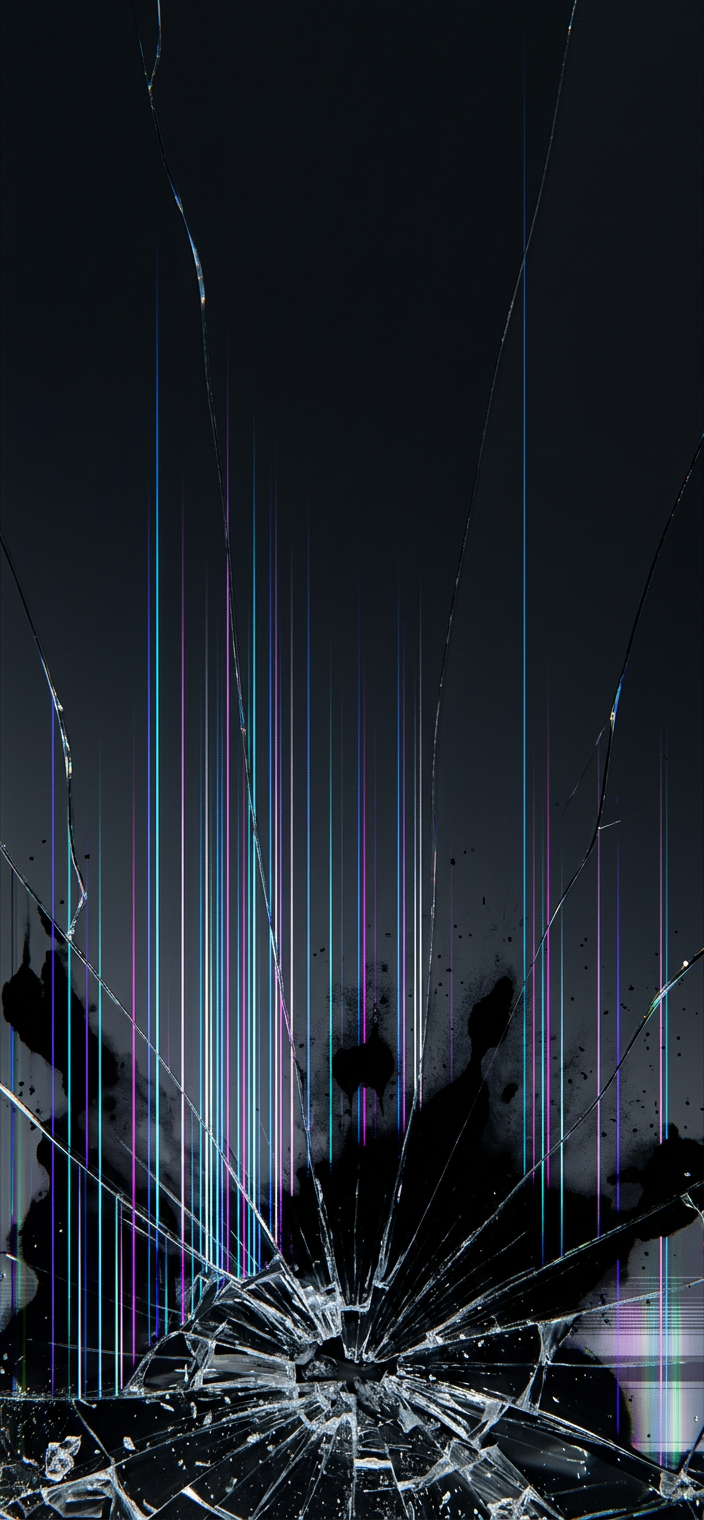
Bottom Impact Broken Screen Wallpaper
Download PNG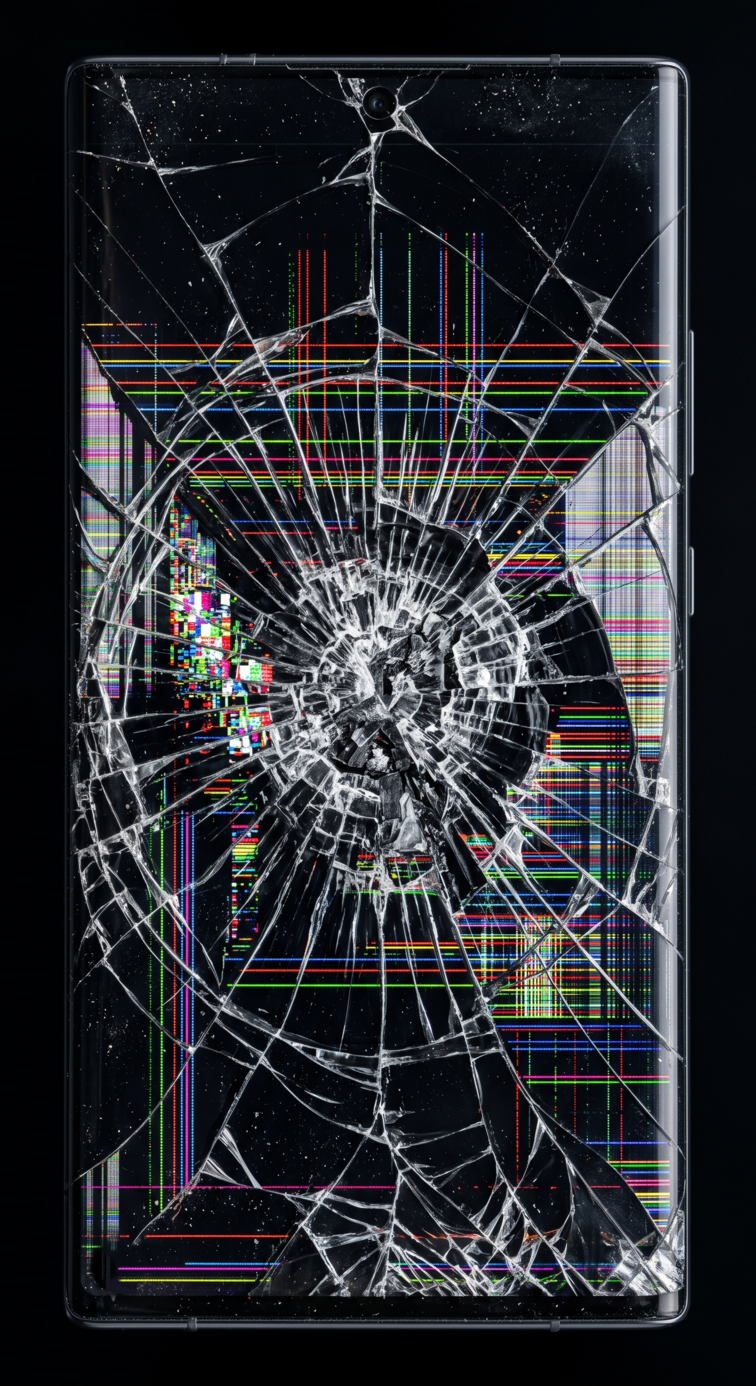
Broken Screen Image For Mobile
Download PNG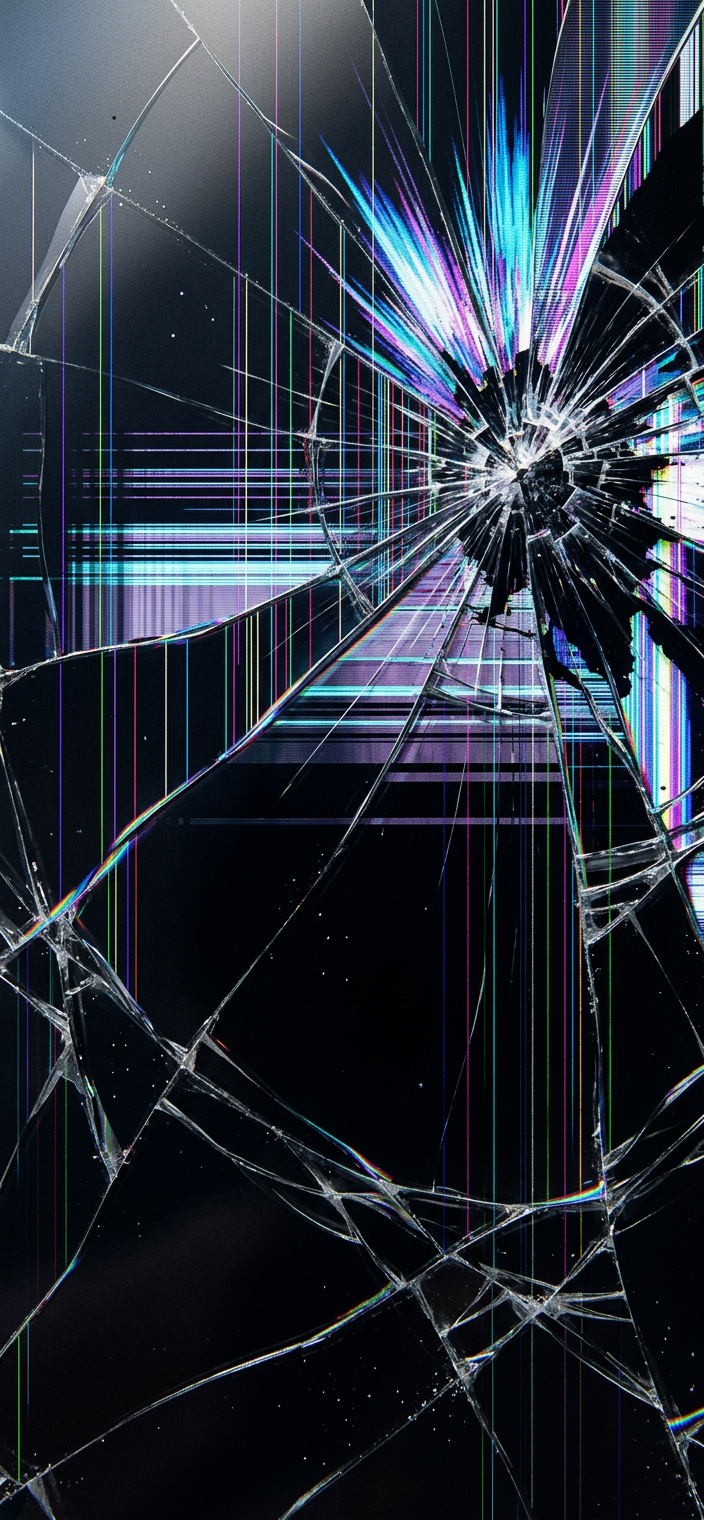
Broken Screen Wallpaper v2
Download PNG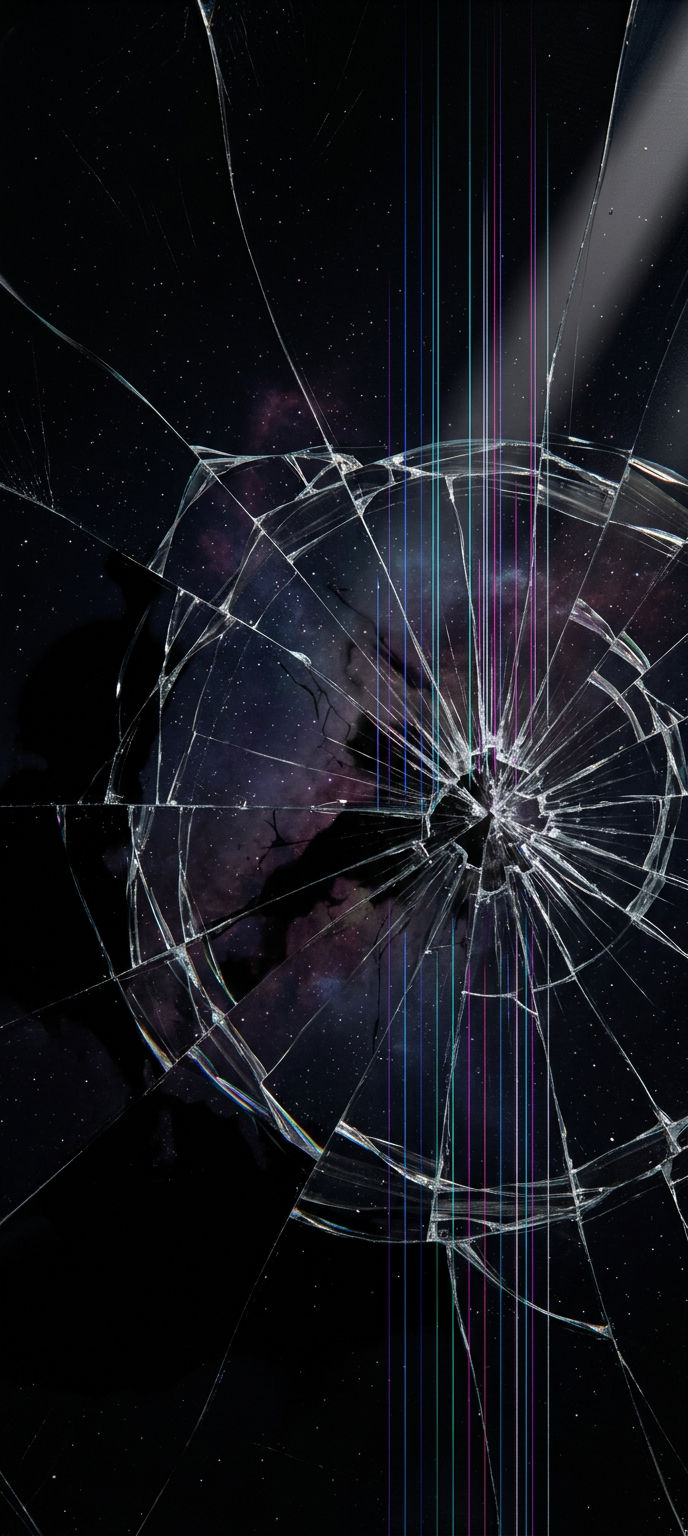
Cosmic Broken OLED Wallpaper
Download PNG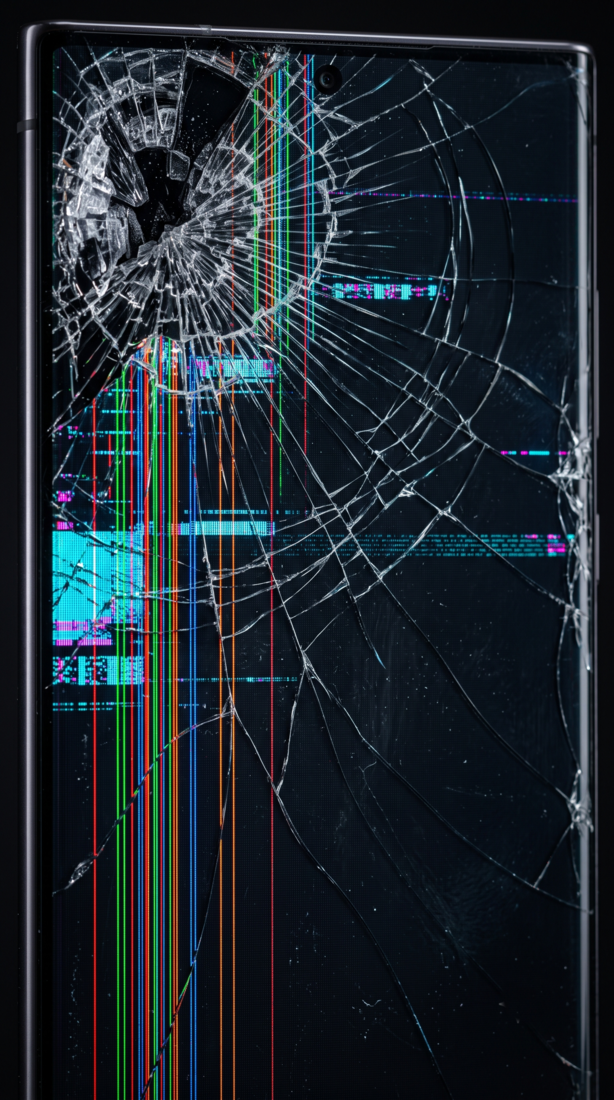
Curved Pixel Distortion
Download PNG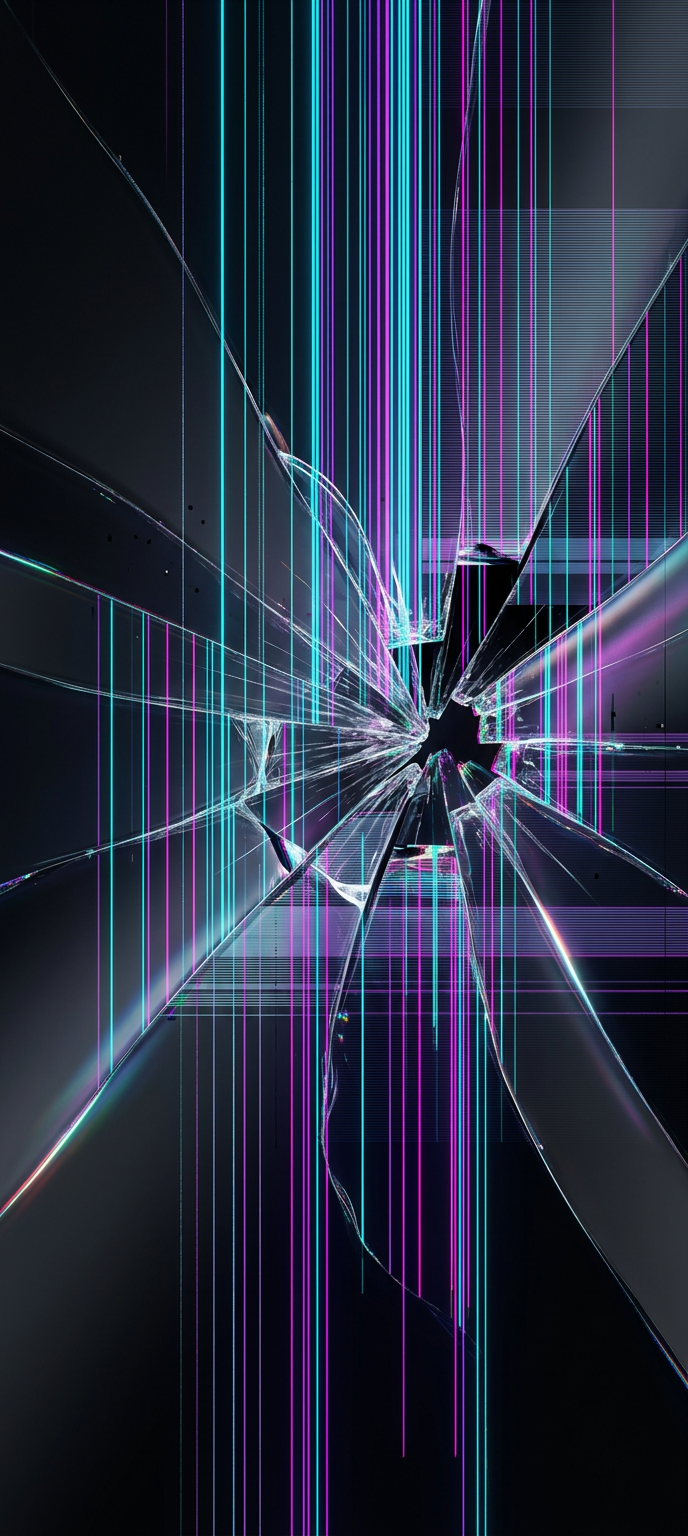
Cyberpunk Neon Crack Wallpaper
Download PNG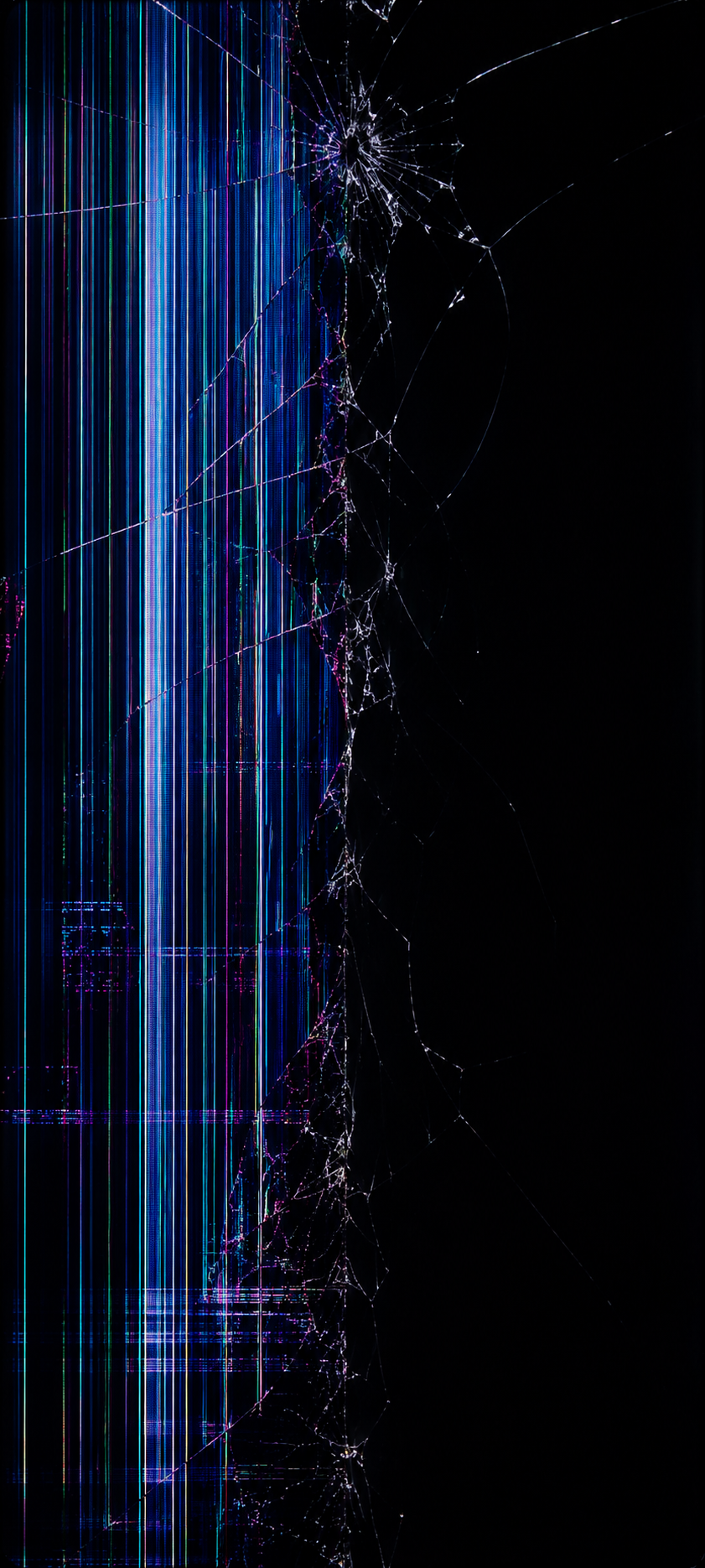
Diagonal Spider Crack Wallpaper
Download PNG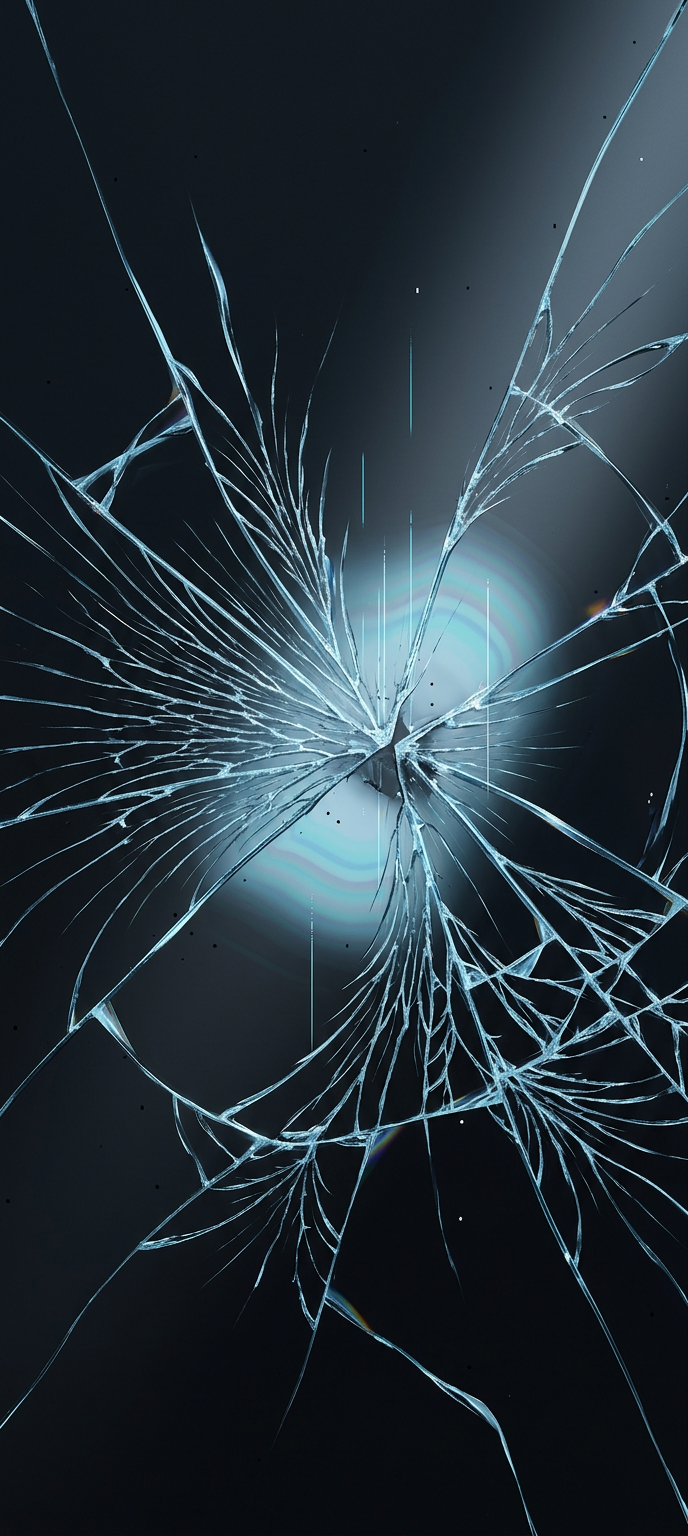
Frozen Ice Crack Wallpaper
Download PNG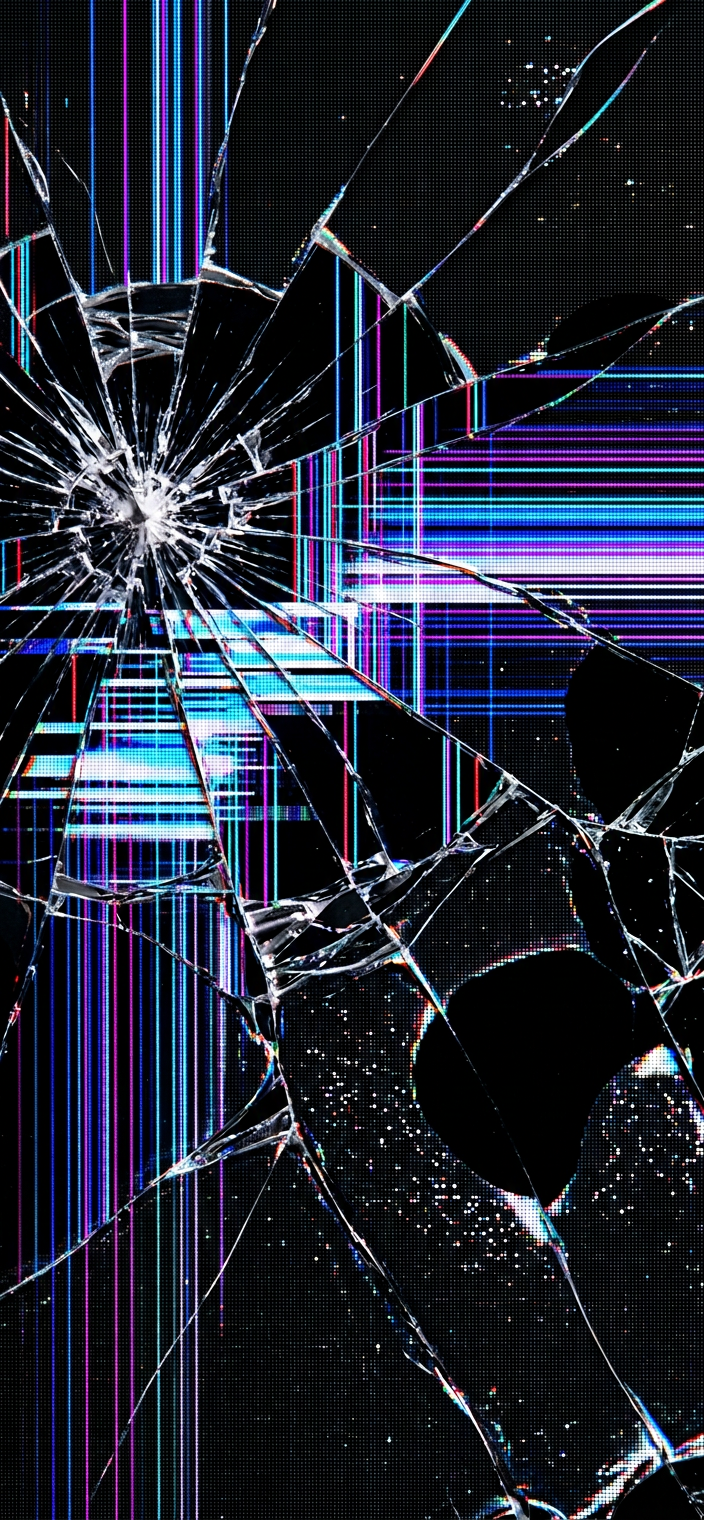
Glitch Cracked Glass Wallpaper
Download PNG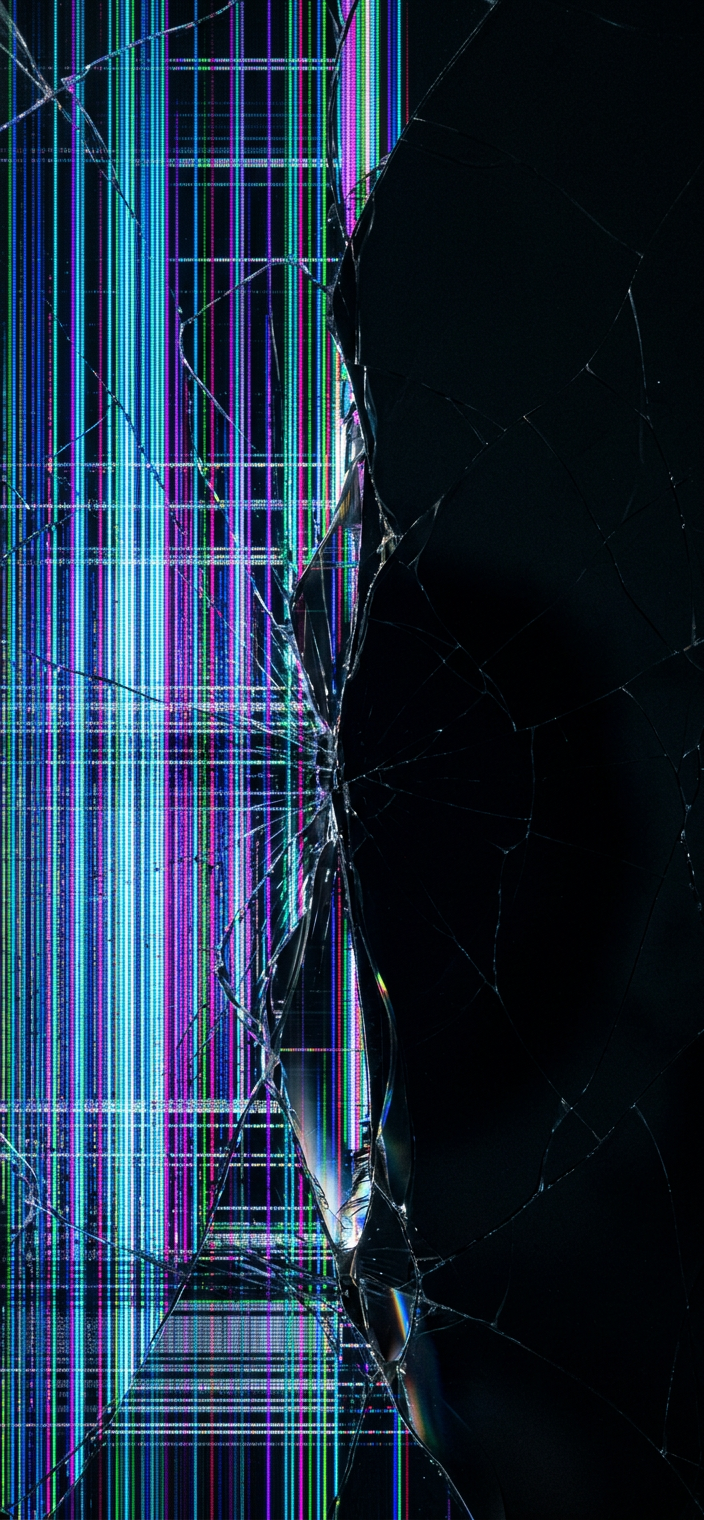
Half Dead Screen Wallpaper
Download PNG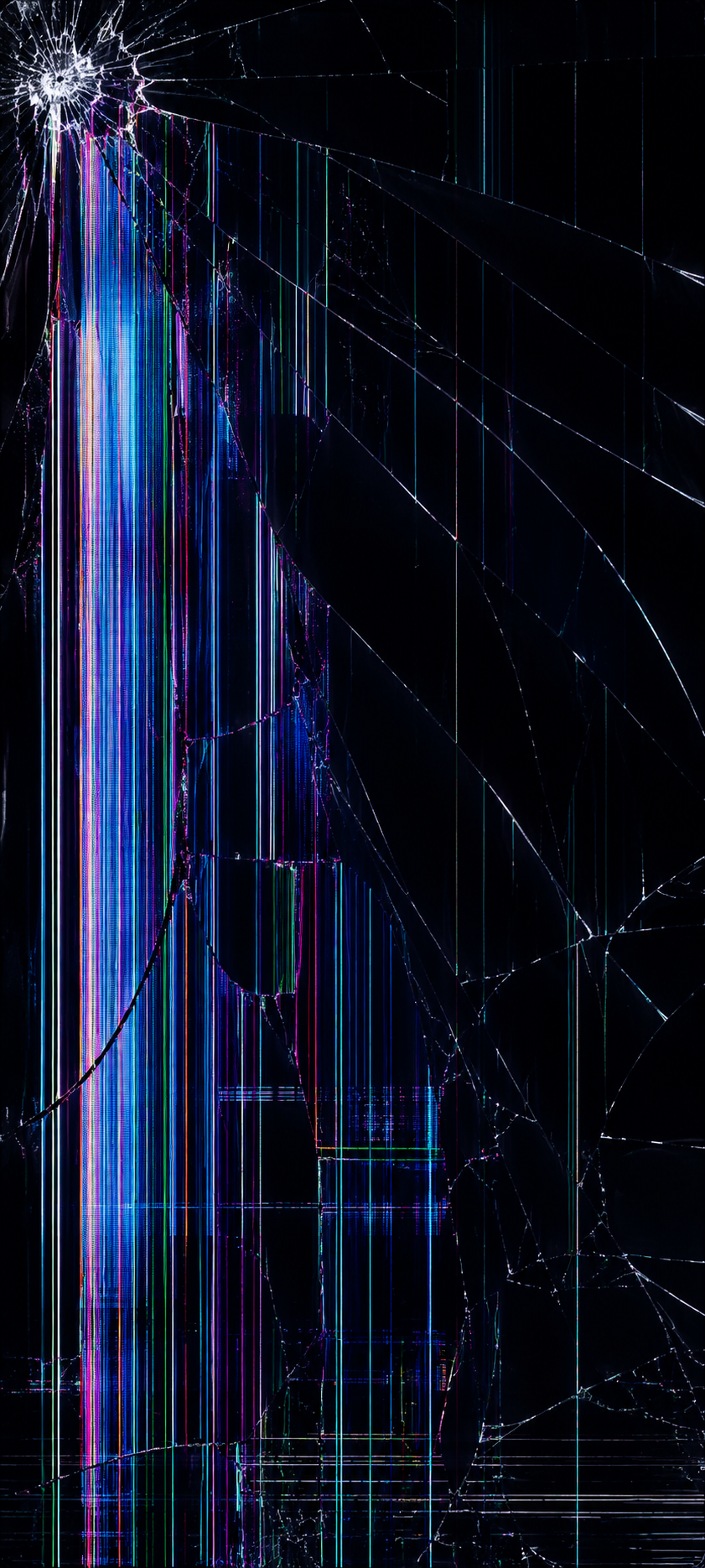
Heavy Impact Shatter Wallpaper
Download PNG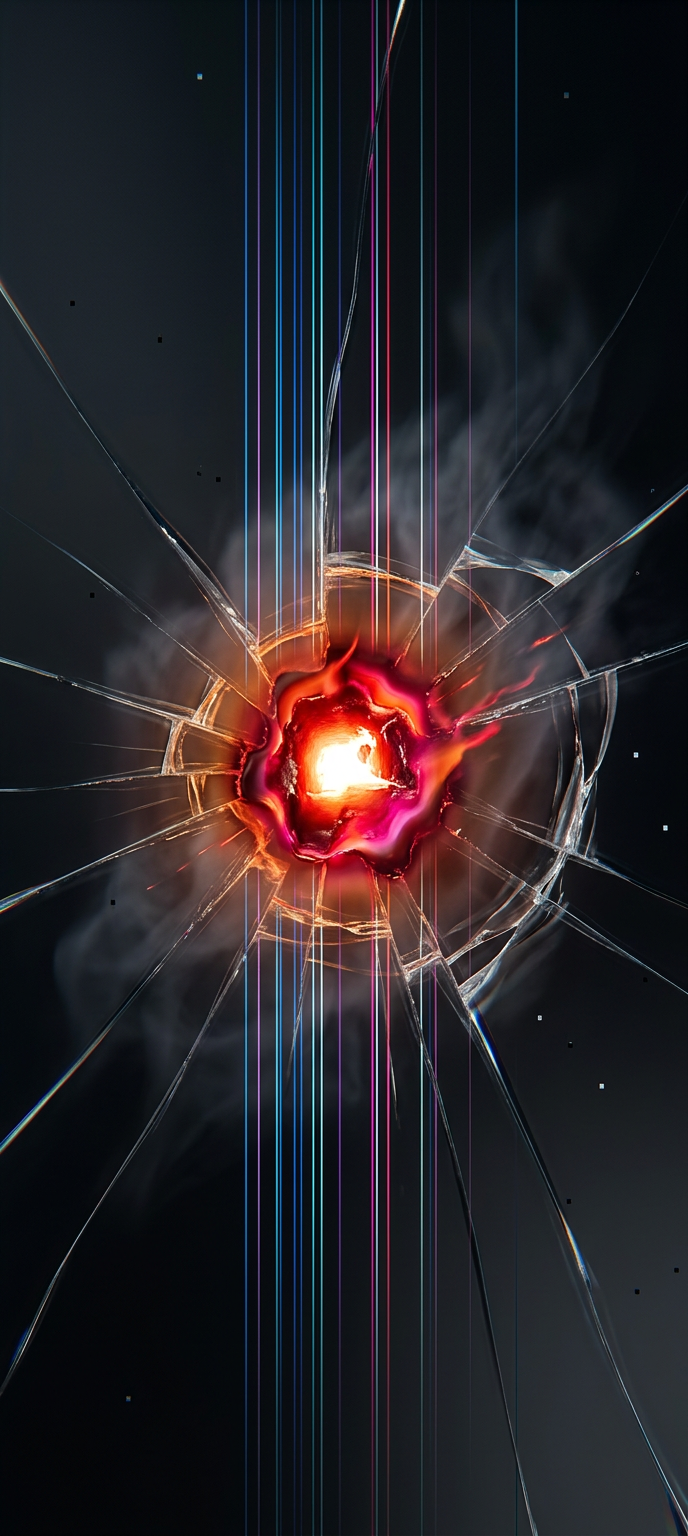
Laser Burn OLED Wallpaper
Download PNG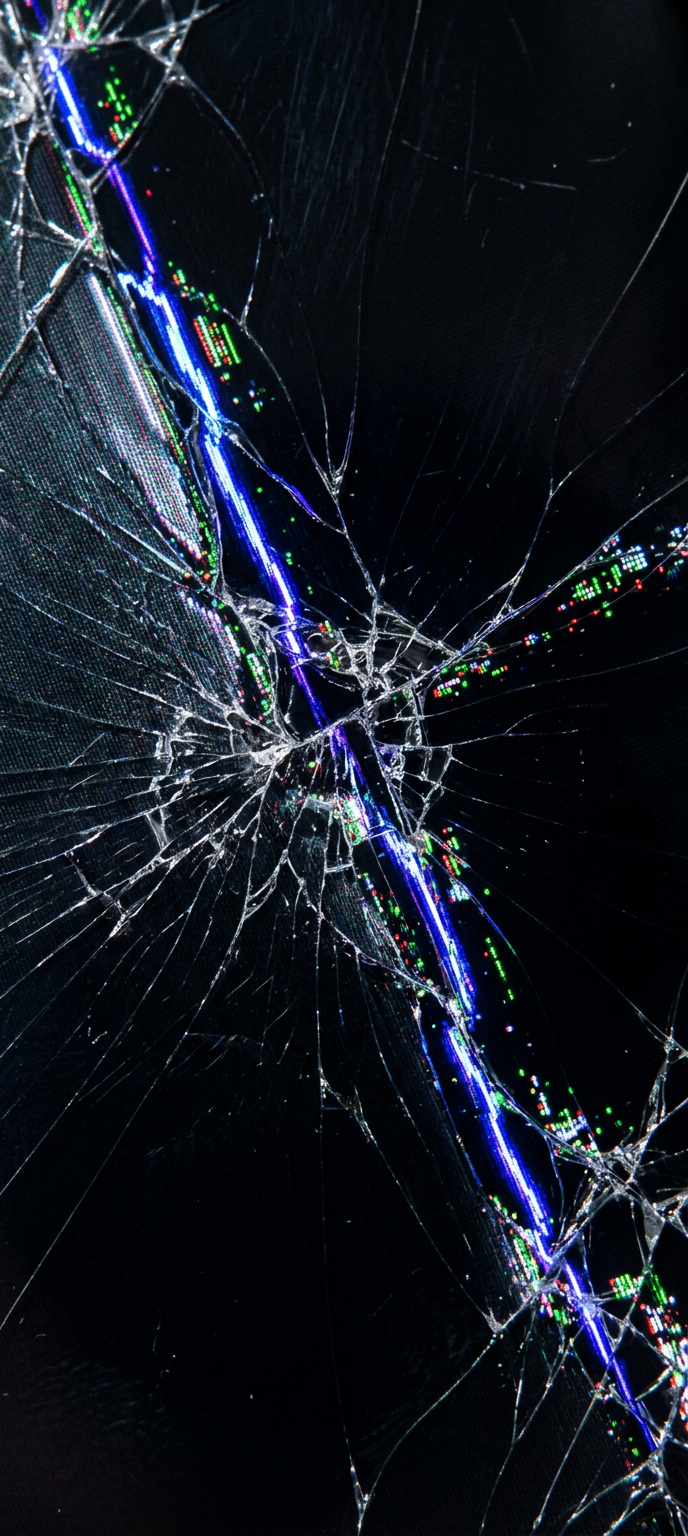
Lightning Crack OLED Wallpaper
Download PNG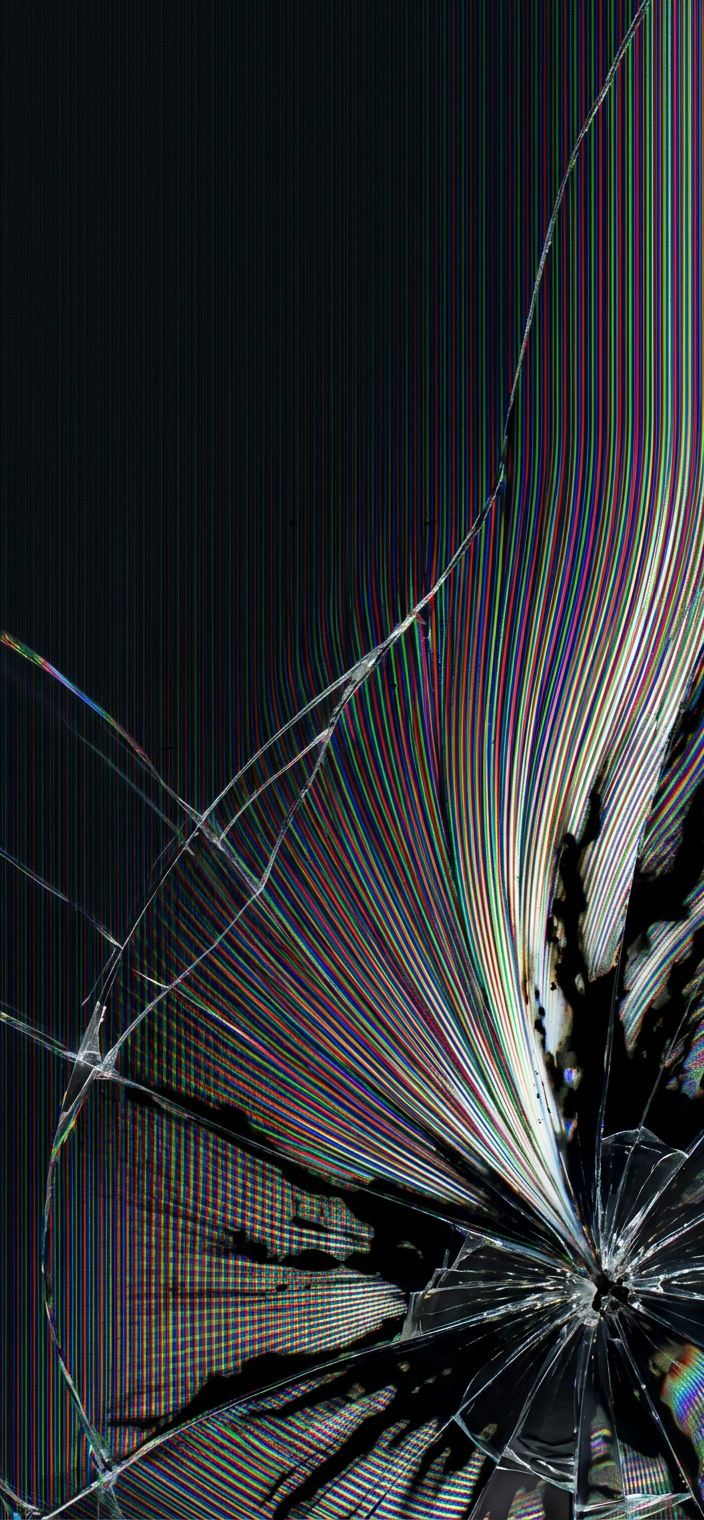
Magnetic Pull Crack Wallpaper
Download PNG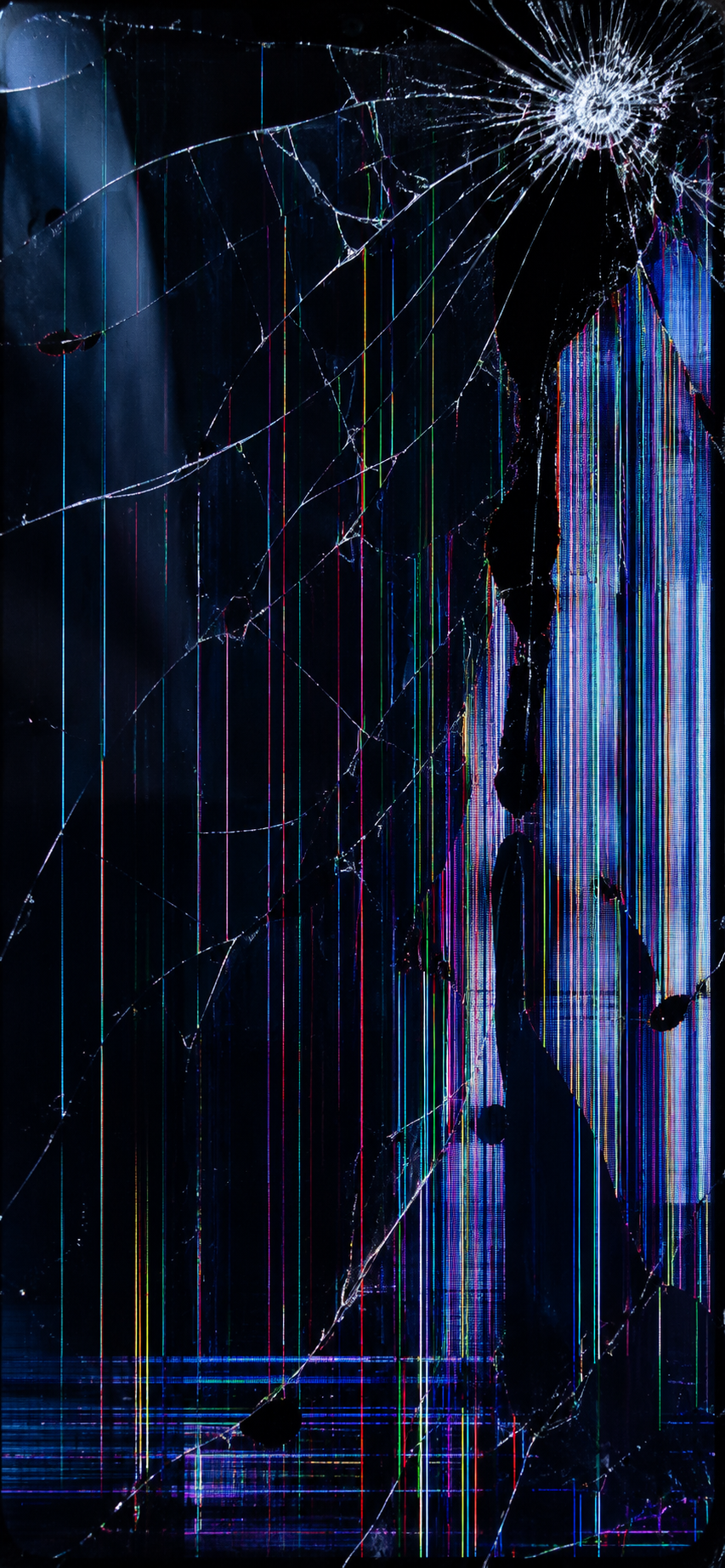
Neon Matrix Cracked Wallpaper
Download PNG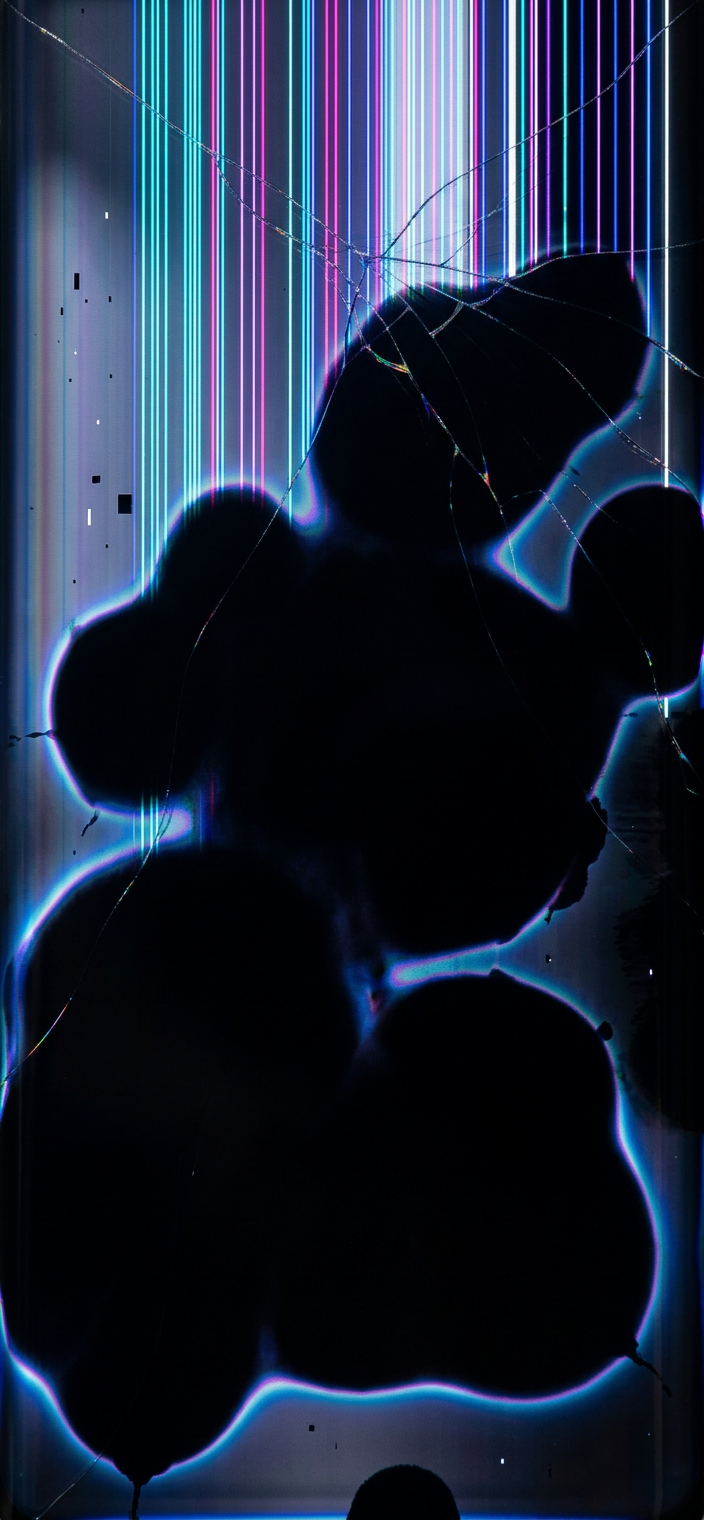
OLED Failure Ink Wallpaper v2
Download PNG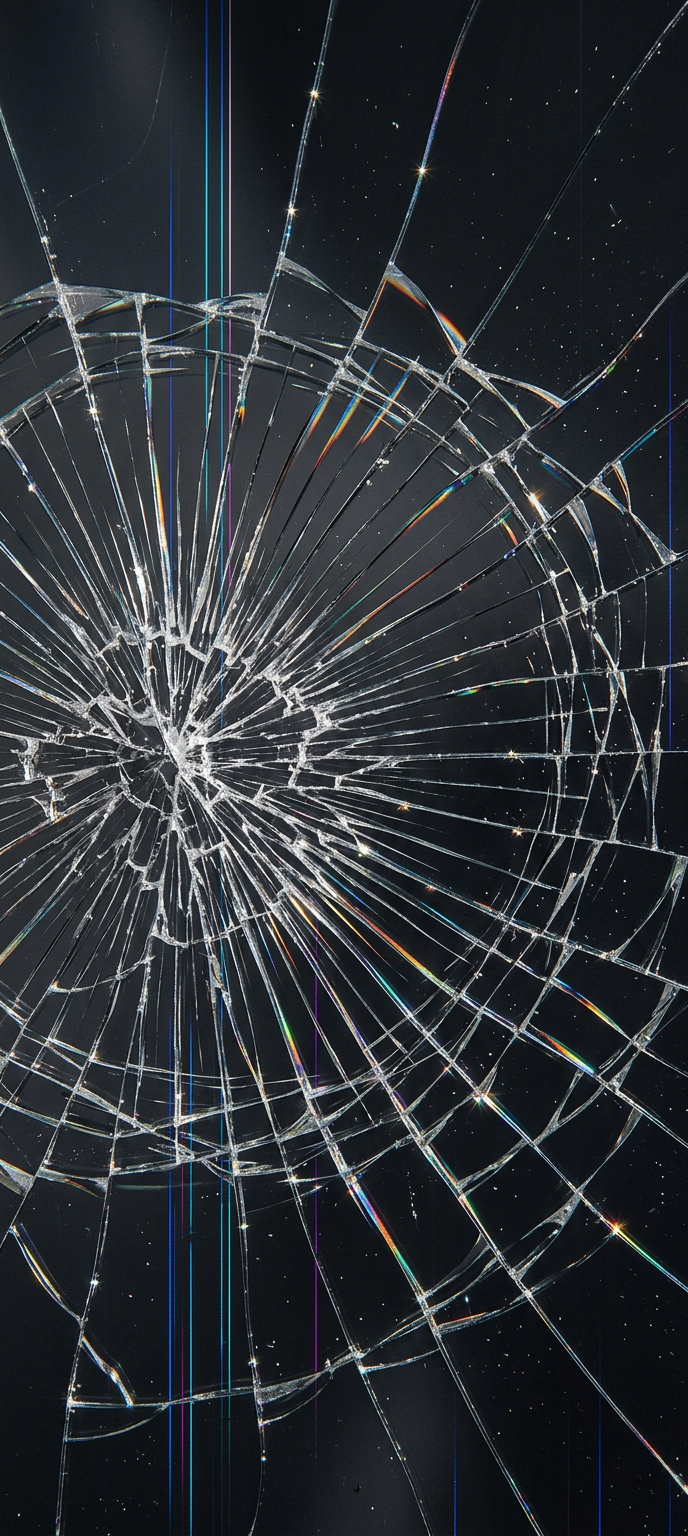
Prism Crack Wallpaper
Download PNG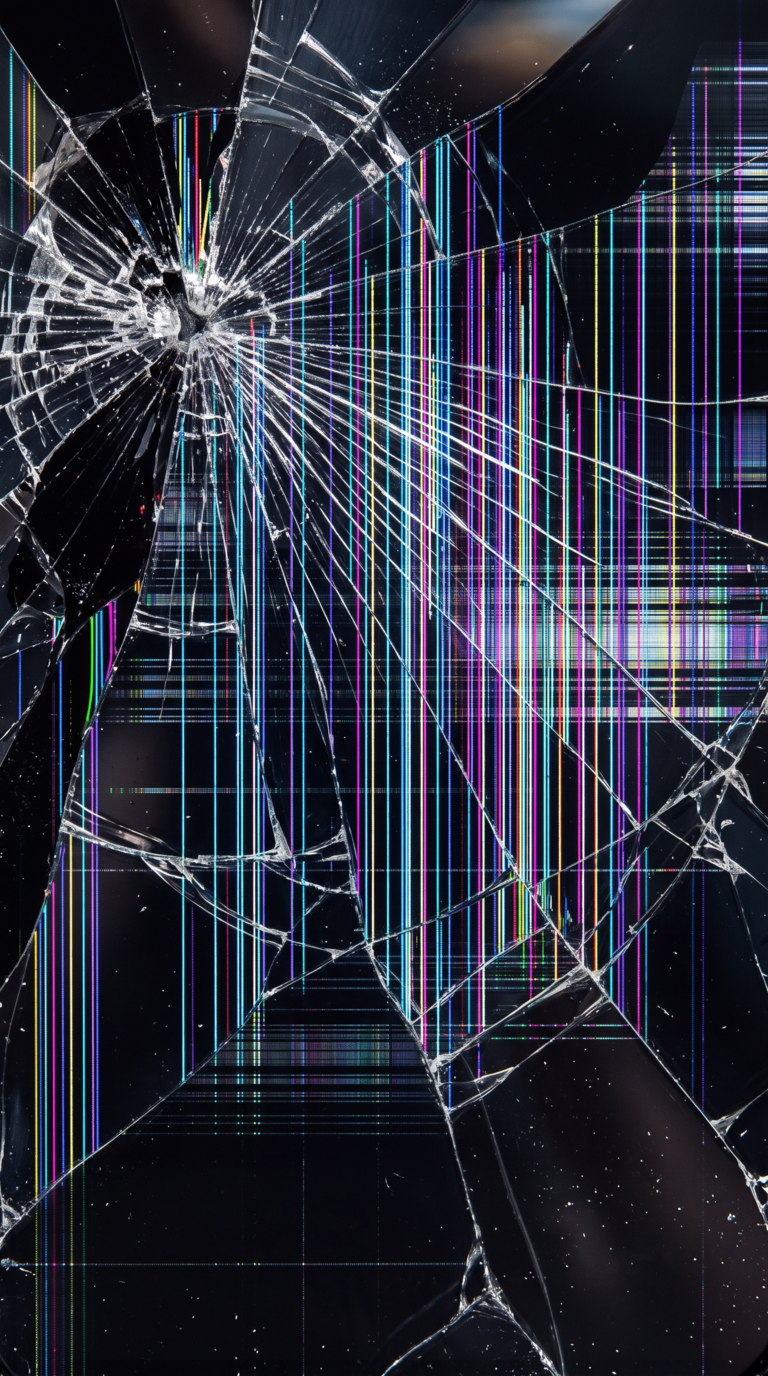
Real Broken Screen Glass
Download PNG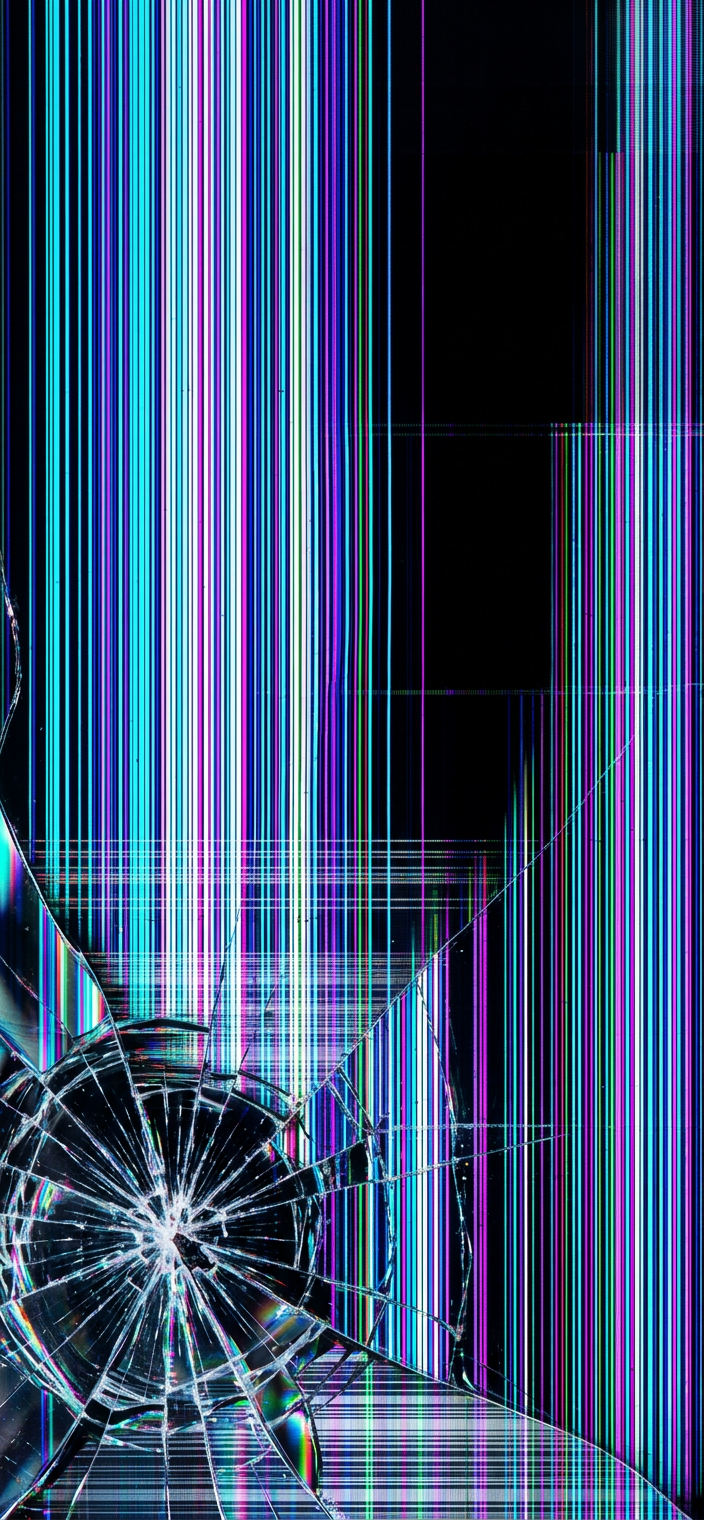
Rgb Lines Broken LCD Wallpaper
Download PNG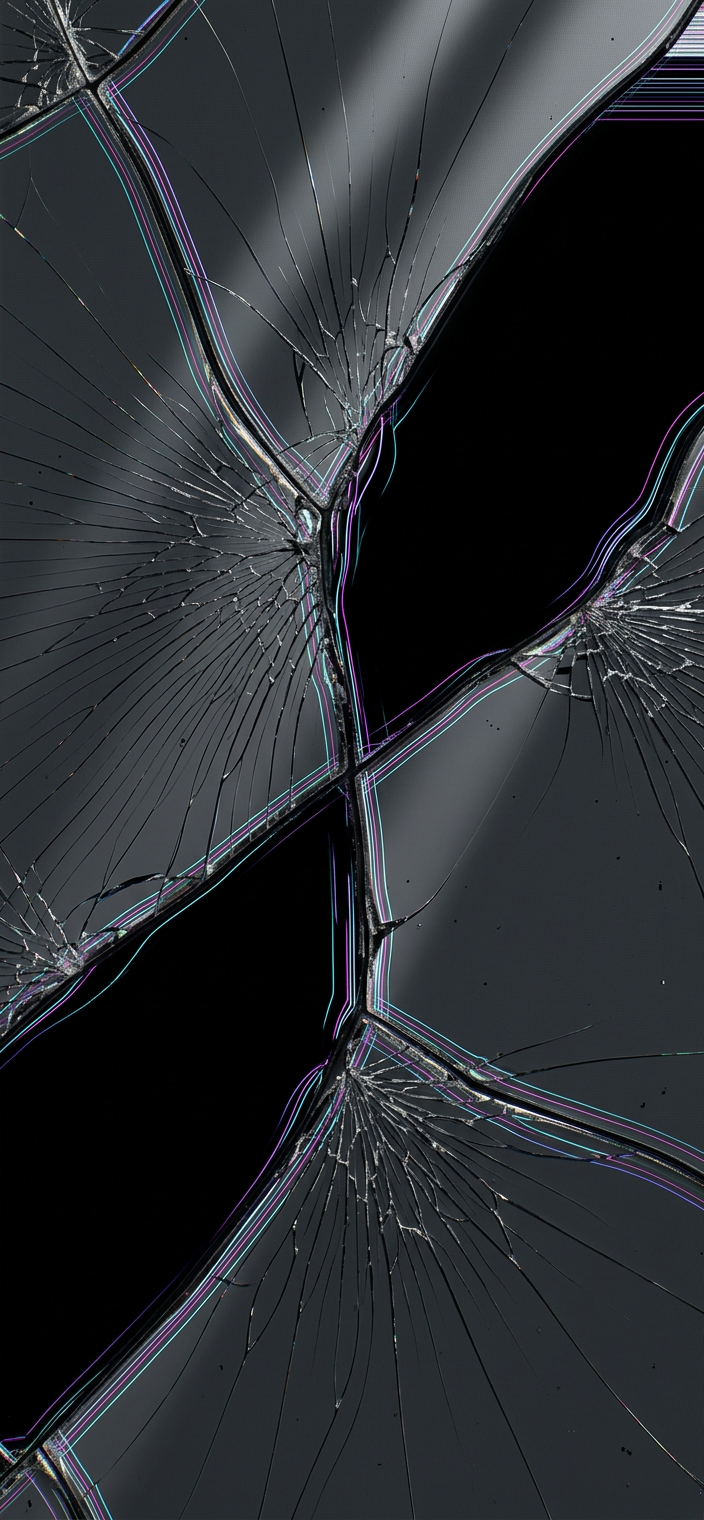
Tectonic Crack OLED Wallpaper
Download PNG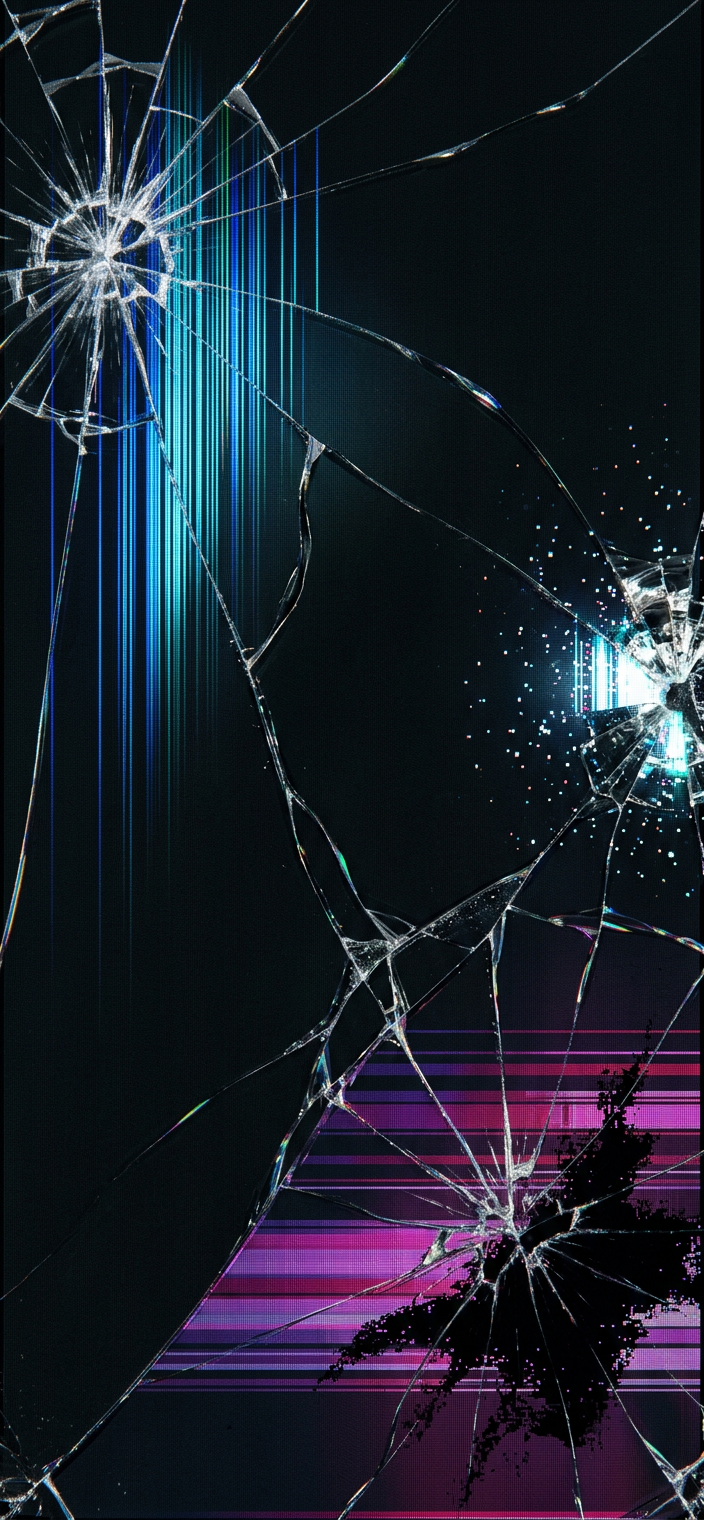
Triple Impact Crack Wallpaper
Download PNG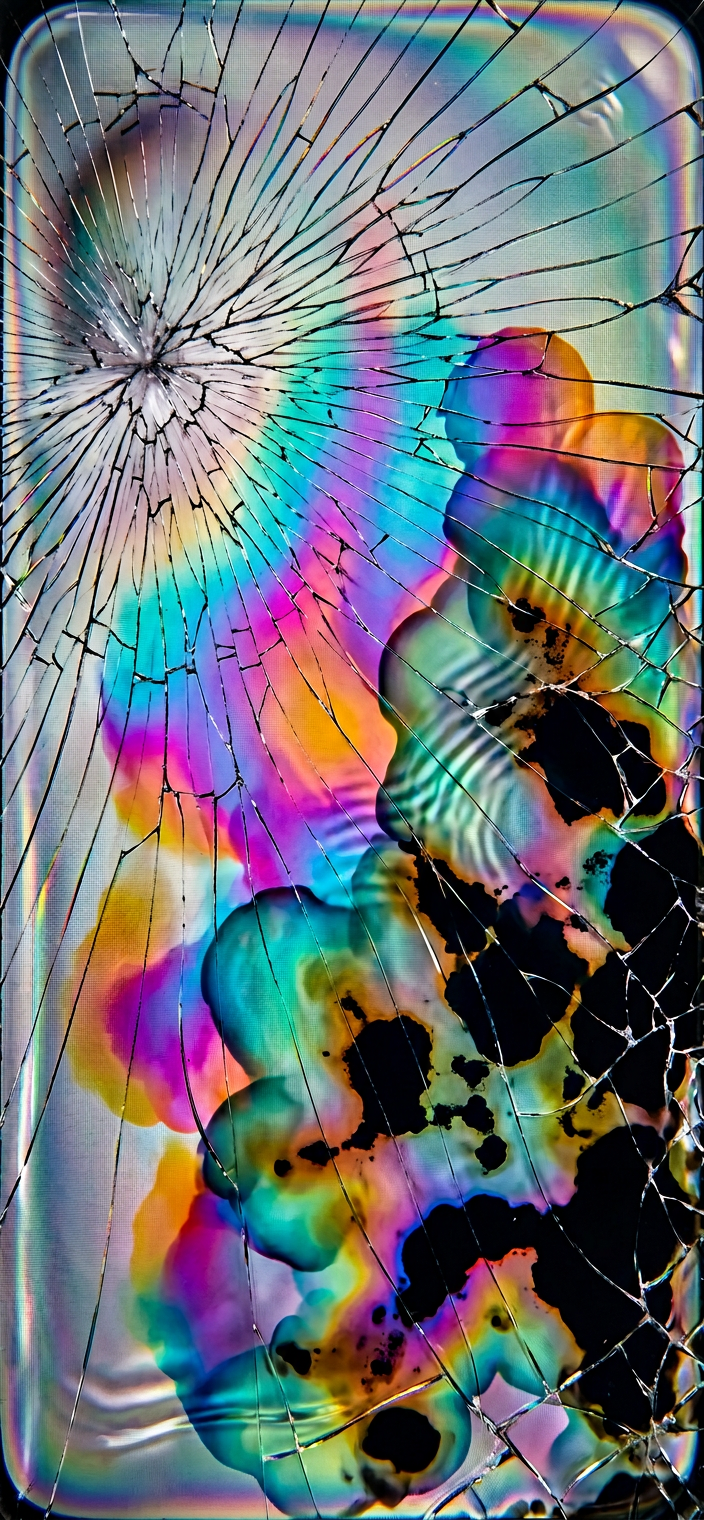
Water Damaged LCD Wallpaper v2
Download PNG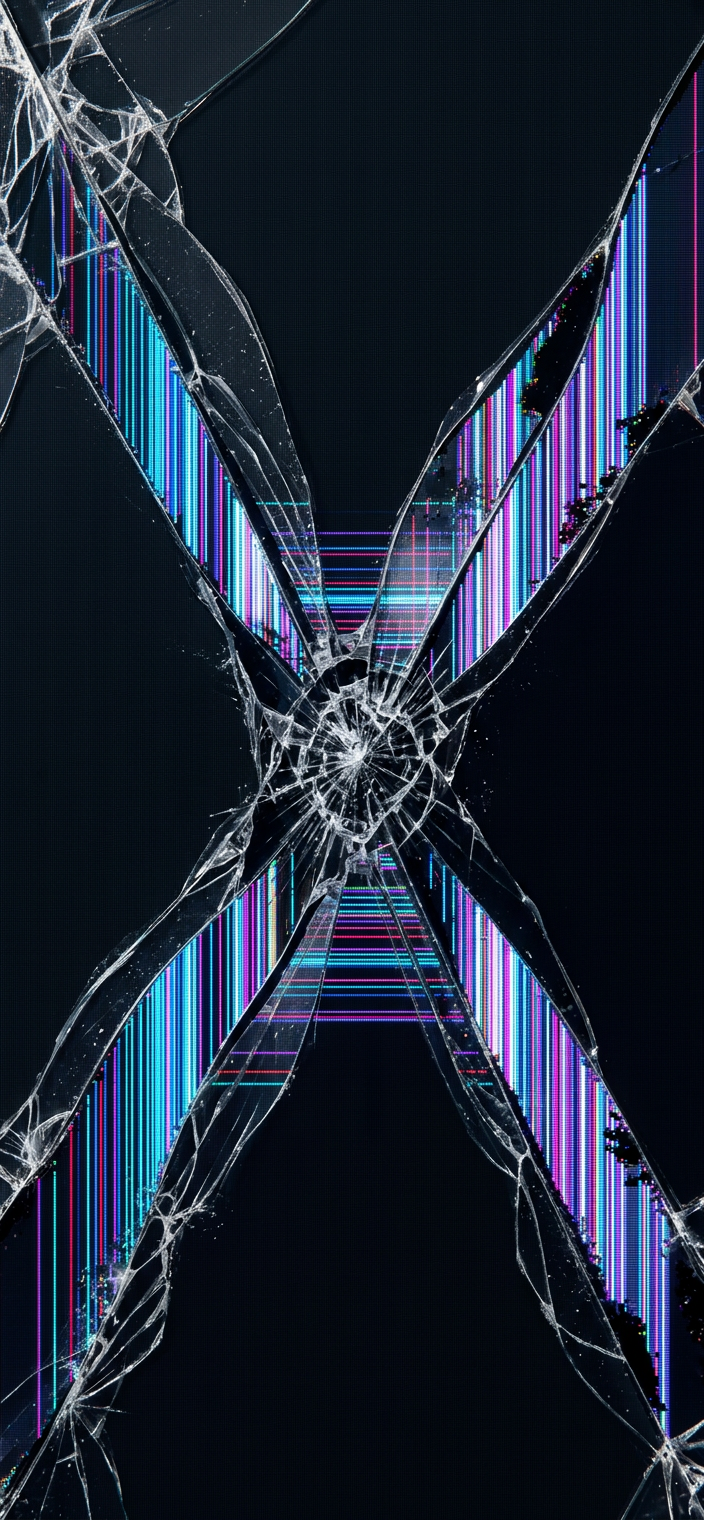
X Crack Diagonal Wallpaper
Download PNGMore realistic wallpapers cooming soon…
Which Devices Are Supported?
These wallpapers work on recent iPhone and Android models. The images are sized from iPhone SE (2nd gen) up to the latest iPhone Pro Max, and Android screens with widths from 720 px to 1440 px. That range covers most phones people actually use daily.
How Large Are the Files?
Each 4K HD wallpaper is a manageable size for phones. In this collection, each PNG is roughly 3 MB, and each JPEG is about 1.2 MB, so you can keep a whole broken screen wallpaper set without filling storage too fast.
- PNG – ~3 MB each for higher clarity.
- JPEG – ~1.2 MB each for quicker storage.
Where Can I Find the Download Links?
You will find the download links in the gallery under “Download 4K HD.” Scroll through the thumbnails, then pick the format you want right under each image. After that, save the file to the device storage so the broken screen wallpaper appears in Photos or Gallery.
- Scroll to the desired thumbnail.
- Click the “Download PNG” or “Download JPEG” button.
- Save the file to your device.
Are There Any Usage Restrictions?
No, this collection does not give blanket commercial rights. Instead, the site states the wallpapers are free for personal use, and it also prohibits commercial use under its terms. Therefore, if you want to keep it safe, treat these like iPhone broken wallpaper style personal images only.
How Do I Set a Wallpaper on iPhone?
Set the image on iPhone directly from Photos. Simply tap through three steps: open the saved image, tap the share icon, then choose “Use as Wallpaper.” After that, iPhone applies the chosen image immediately as a cracked screen wallpaper on the lock screen and home screen.
- Open the saved image.
- Tap the share icon.
- Choose “Use as Wallpaper.”
How Do I Set a Wallpaper on Android?
Set a broken screen wallpaper on Android using the Gallery app. First, open the image in Gallery, then tap the three-dot menu, and finally select “Set as wallpaper.” Since most Android skins include the same option in Gallery, this method works across nearly all devices.
- Open the image in Gallery.
- Tap the three-dot menu.
- Select “Set as wallpaper.”
What If a Download Fails?
Most failed downloads come from browser settings. Disable any ad-blocker for the site, then confirm the device has at least 10 MB free storage. After that, try the broken screen wallpaper download again using the same PNG or JPEG button.
- Disable any ad-blocker running in the browser.
- Ensure at least 10 MB free storage.