01
Choose a Broken Screen Effect
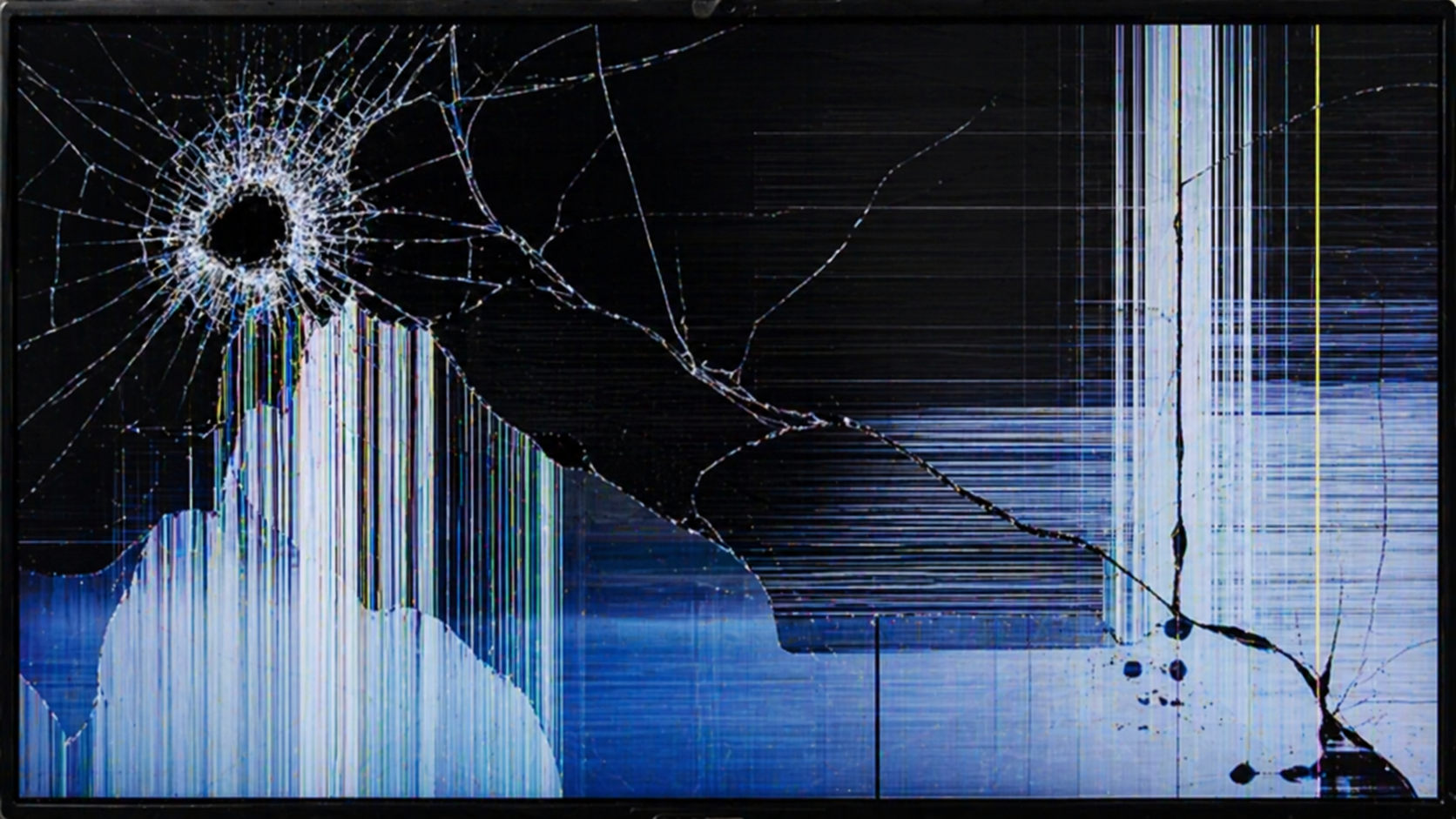
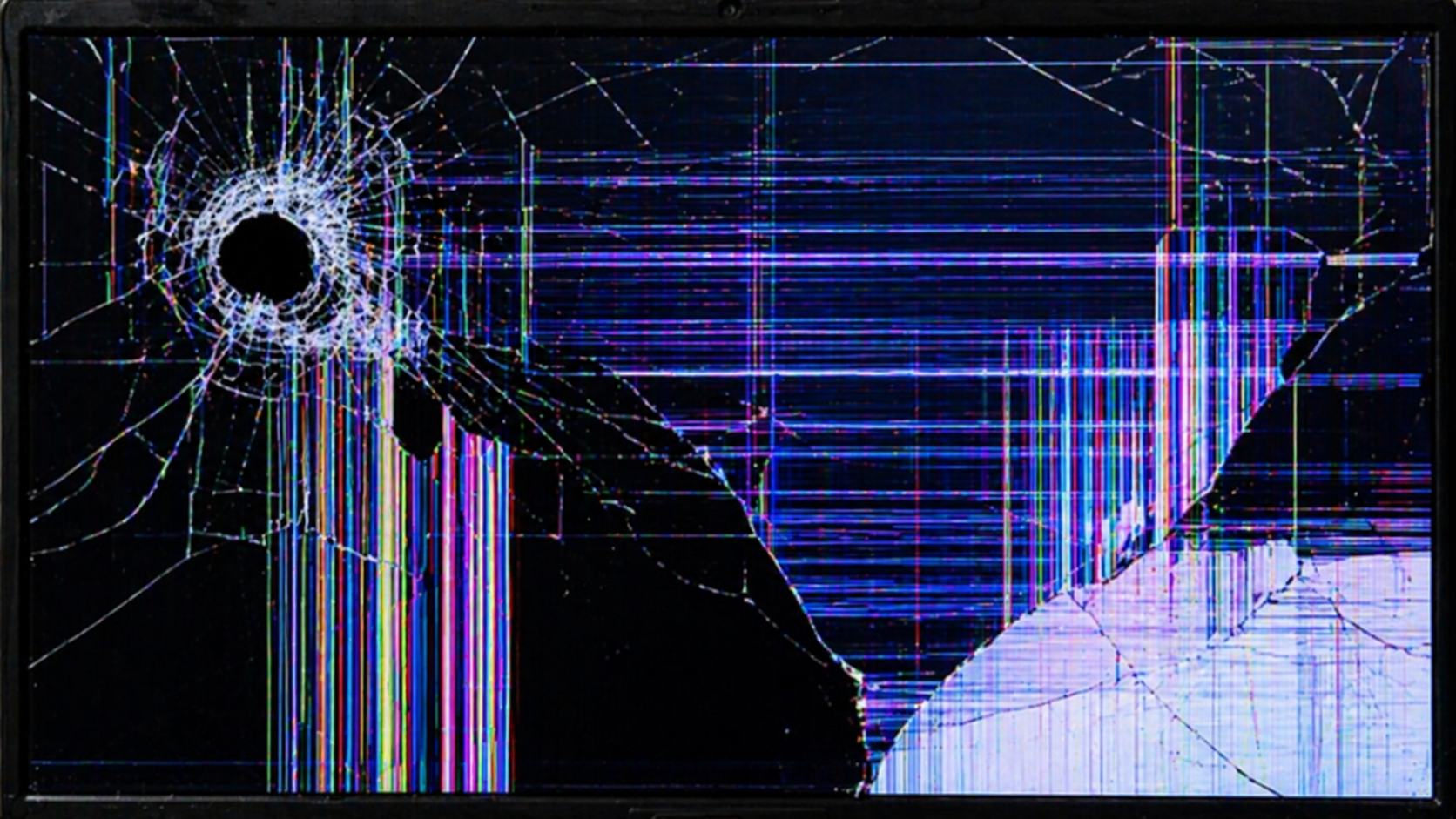
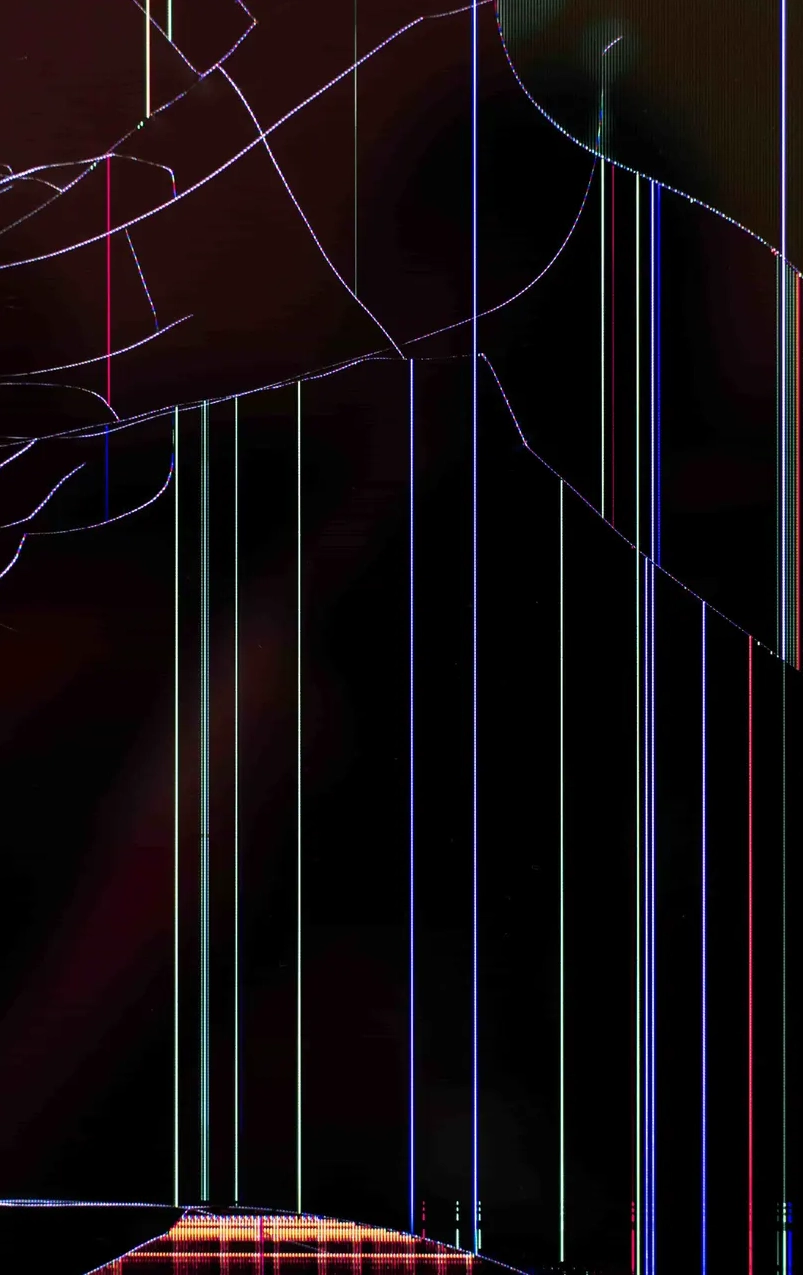
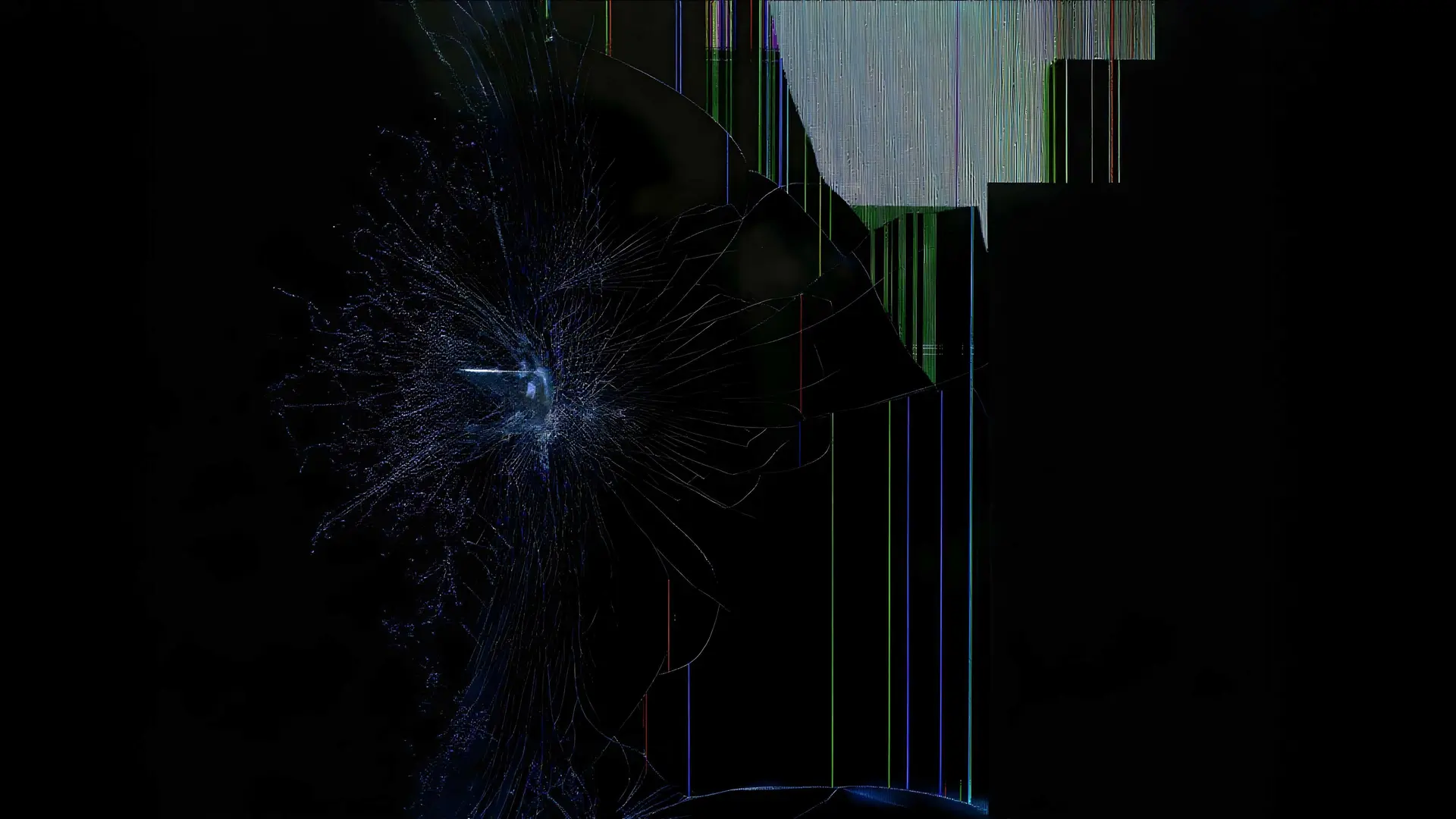
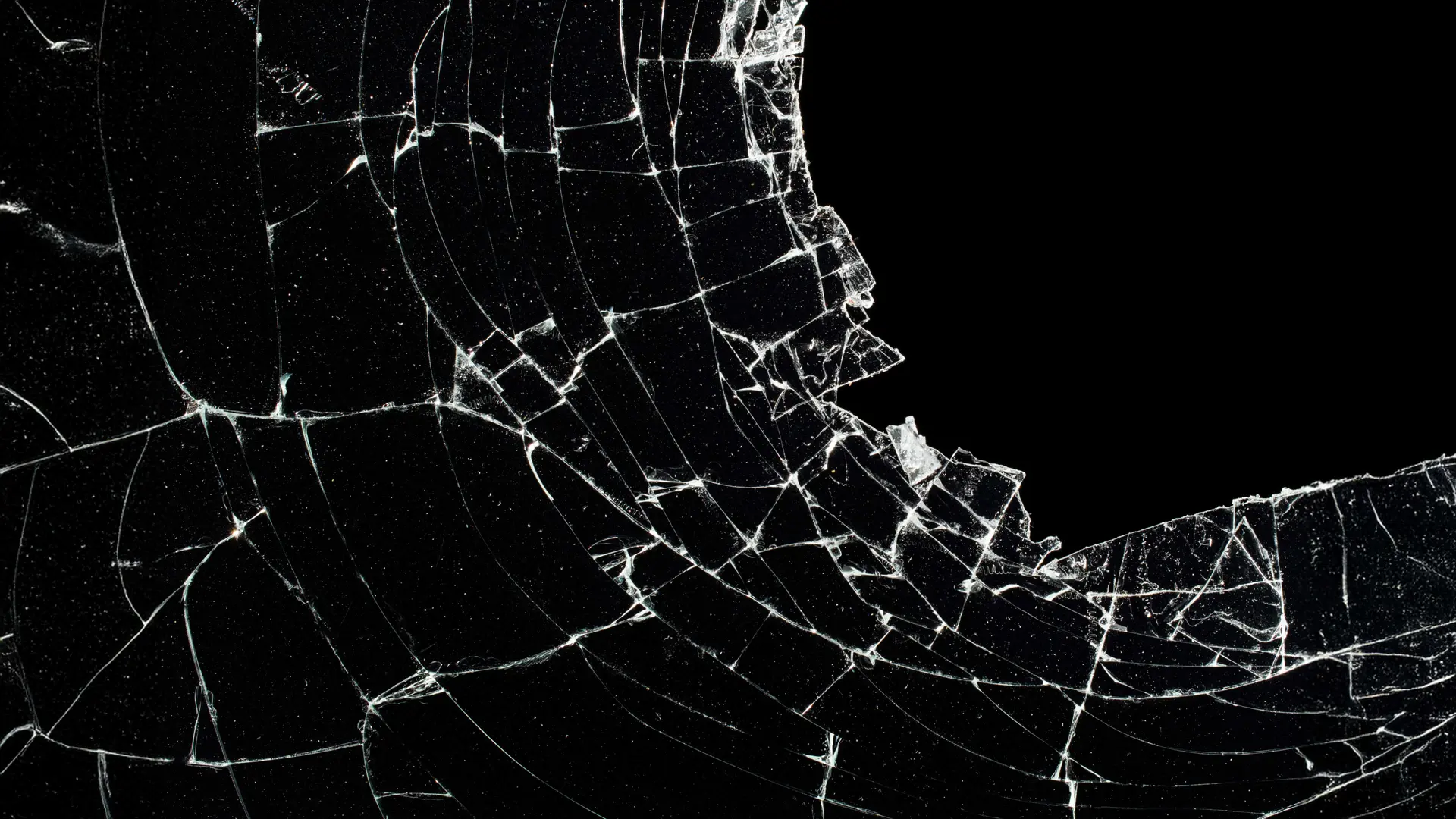
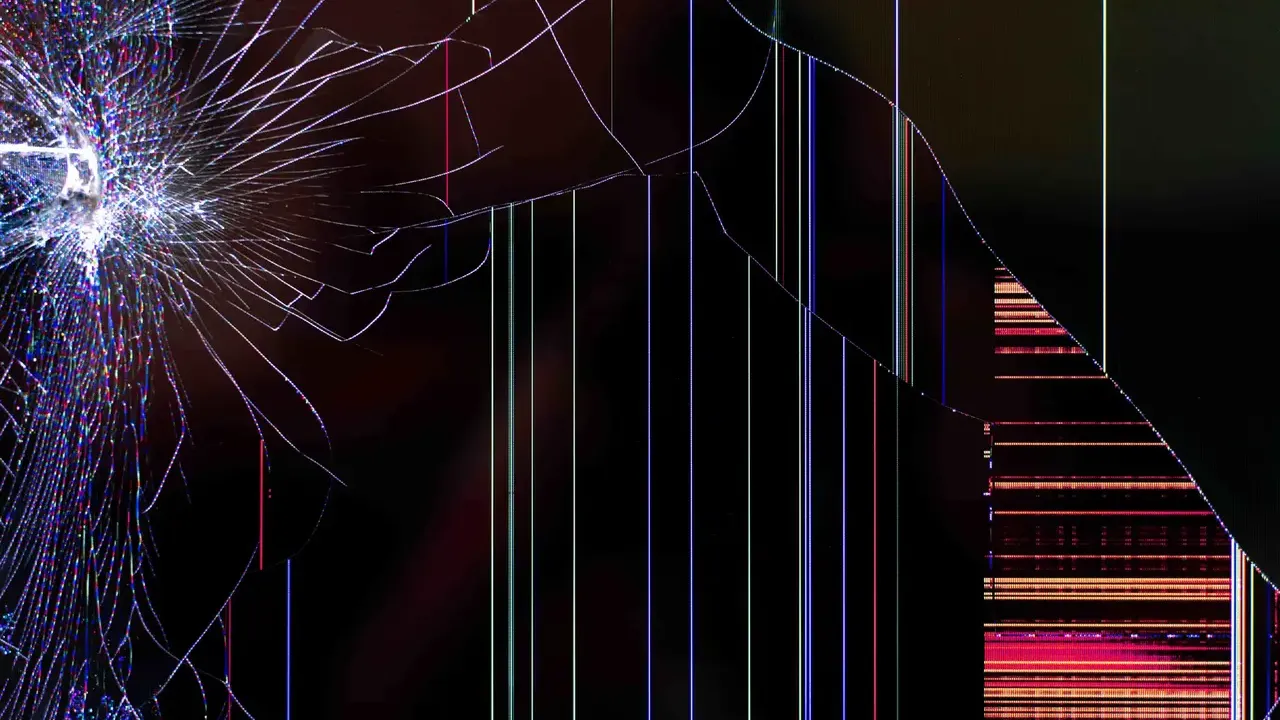
Pick from multiple realistic crack effects and damage styles. Some look shattered while others show heavy cracks for different prank moments.
 brokenscreen
 Fake Broken Screen Prank creates realistic cracked display effects for harmless prank online.
Grayscale Mode
Realistic monochrome effect
Lock Screen Mode
Disable click-to-exit for better pranks

Watch on YouTube
Watch on YouTube
The Broken Screen tool creates a realistic cracked display for harmless pranks. It offers multiple effects plus full screen mode and a PNG download option that works great for videos or social posts. Short and simple. Anyone can launch it in seconds on a phone, laptop, or tablet without installing anything extra which makes it perfect for quick surprises or creative projects. Since the effect is only visual, you stay completely safe while still getting strong reactions.
Running the prank takes four easy actions. First open the tool. Next choose one of the multiple effects. Then click the full screen icon. Finally press ESC, F11, or move the mouse to the top center and hit exit. That said, the whole process stays reversible and needs no extra setup.
Pick from multiple realistic crack effects and damage styles. Some look shattered while others show heavy cracks for different prank moments.
Enable full-screen mode so the cracked effect covers the entire display for a realistic and immersive prank experience.
Press ESC or F11, or move the mouse to the top center and click the exit button to close the effect instantly.
The tool supports pranks on friends, colleagues, and family. Try office surprises, April Fool’s gags, or a Halloween candy table twist. Each idea stays light. For example, set the effect then watch reactions before explaining the joke fast.
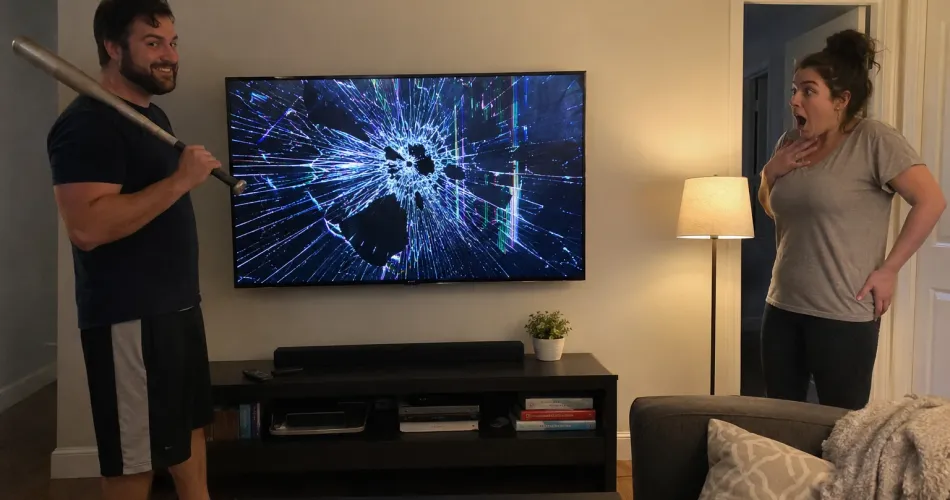
Place the device after setting the effect and walk away for maximum surprise. Wait for the perfect moment when they return. However, reveal the prank quickly to avoid stress. Sources show this timing creates funny panic but keeps things friendly and harmless every time.
Share the fake cracked display during video calls for instant reactions. Pause to watch the confusion build. Although you must read the room first. Sources recommend revealing the joke soon so the call turns into shared laughs instead of real concern.
Pretend the screen cracks mid review to surprise viewers. Act shocked for a few seconds. Then reveal it is a prank. In addition, this approach boosts viewer retention because the twist keeps content entertaining without repeating the same gimmick too often.
Use the prank to buy quick preparation time during meetings. Trigger full screen and claim an issue. Meanwhile, fix it once you finish your slides. Sources note this gives a short window yet works best when kept light and time bound so trust stays intact.
Move the mouse or scroll across the cracked area. Controls still respond when it is a prank. An exit icon often appears too. Since normal interaction continues, you know right away the display has no actual damage at all.
Shortcuts like CTRL W close tabs normally. ALT TAB switches windows. ESC exits full screen. These work when the screen is fake. For example, normal responses prove the hardware stays untouched so you can relax immediately.
Right click the cracked area to check for a browser menu. Its appearance confirms a prank. This single test gives quick reassurance without any complicated steps or extra tools required.
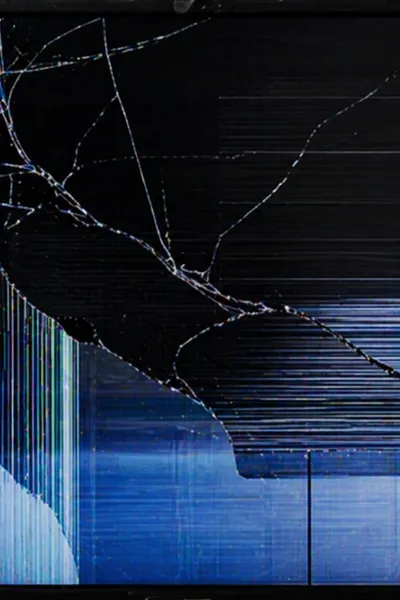
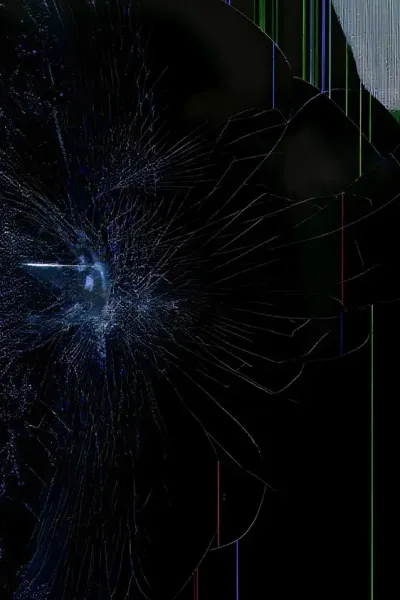
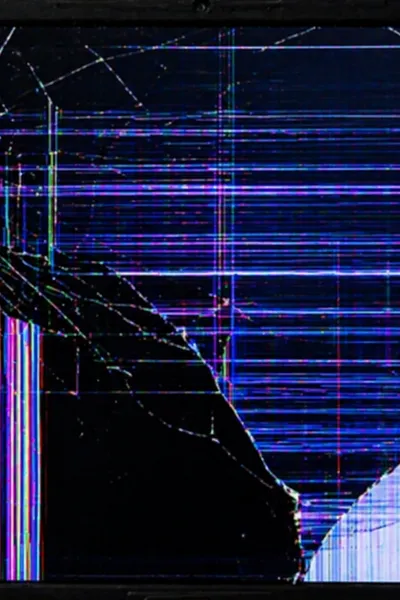
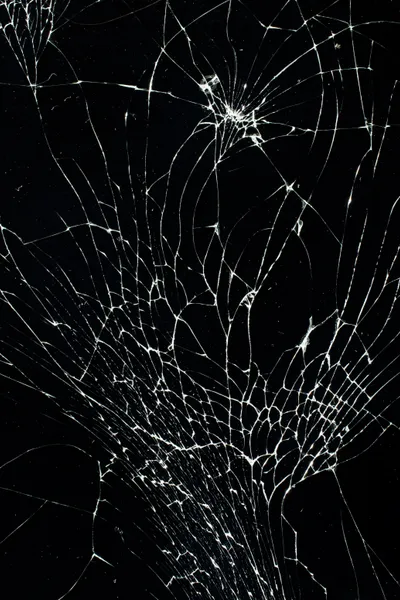
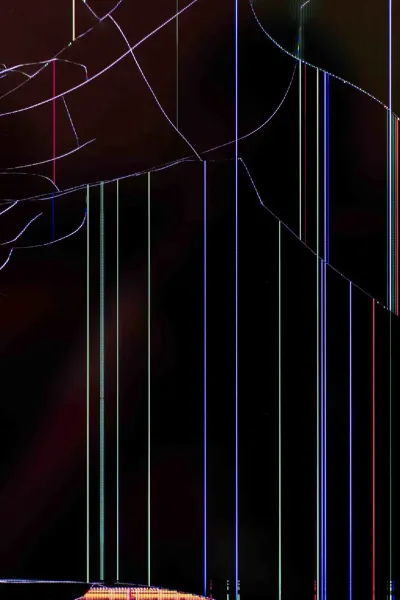
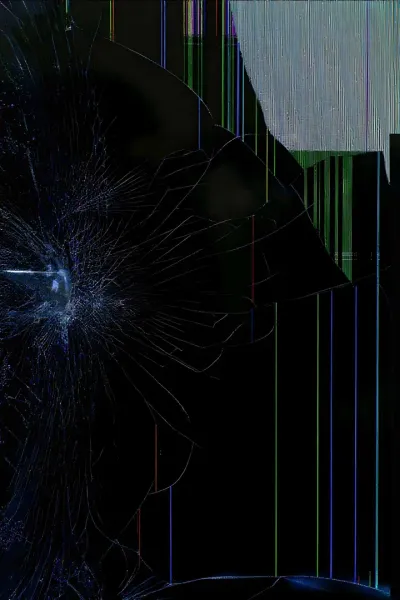
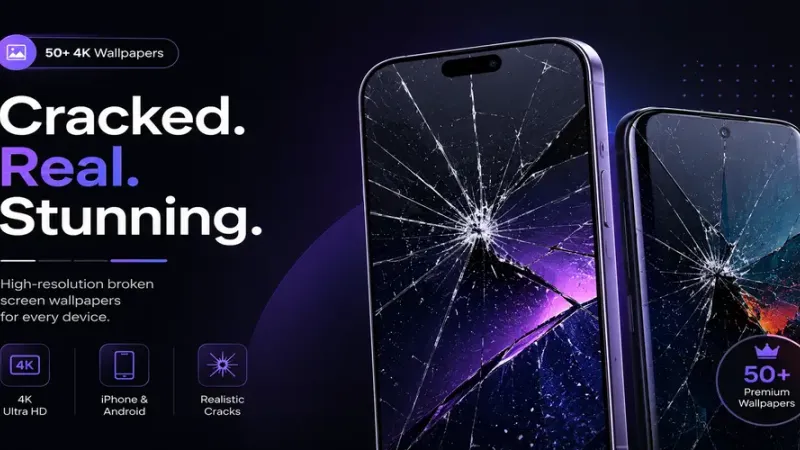
Free download most realistic broken screen wallpaper collection base on latest and more real effect vison. Edit for mobile screen like iPhone & iOS.
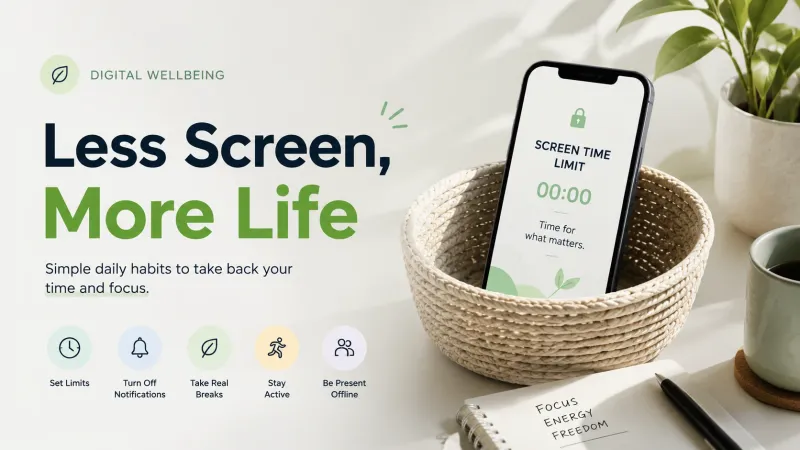
Reduce screen time by using built-in timers, grayscale, and phone-free blocks, plus smart notification tweaks that cut mindless scrolling.
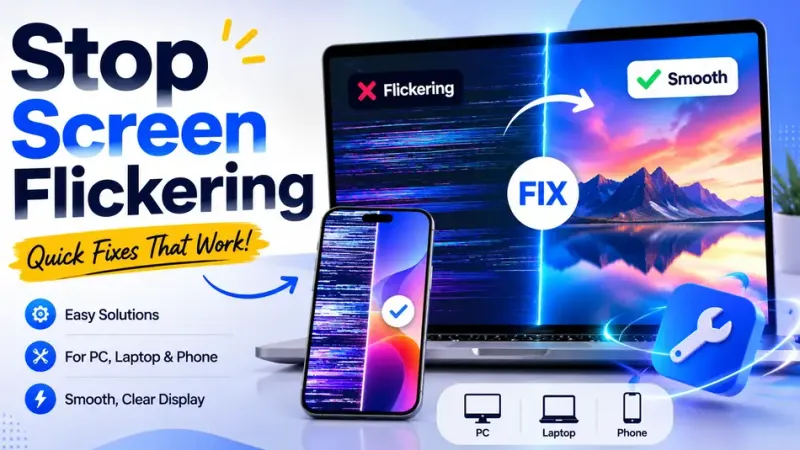
This monitor flickering solution stops Windows screen flickering and saves you from expensive repairs while delivering clear stable visuals fast.
No, the tool does not offer crack customization. Only preset effects are available so you pick from the multiple options shown. Sources confirm this limit keeps the simulator simple and fast to use.
No, the prank is a visual effect only. It does not damage the screen or any files. If you are experiencing actual screen issues unrelated to this tool, you can check the Google Pixel Phone Help or your device manufacturer's troubleshooting hub for hardware support.
No, the tool only changes the visual display. It creates no sounds or pop up messages at all. This keeps the experience focused on the cracked look alone.
Press ESC or F11 to exit. You can also move the mouse to the top center and click the button. These methods work instantly across devices and end the effect safely every time.
No, the effect is session based. It does not persist after a restart. The visual trick disappears completely once the device powers off and on again.