


5 Best Practical Ways to Reduce Your Mobile Screen Time
Reduce screen time by using built-in timers, grayscale, and phone-free blocks, plus smart notification tweaks that cut mindless scrolling.
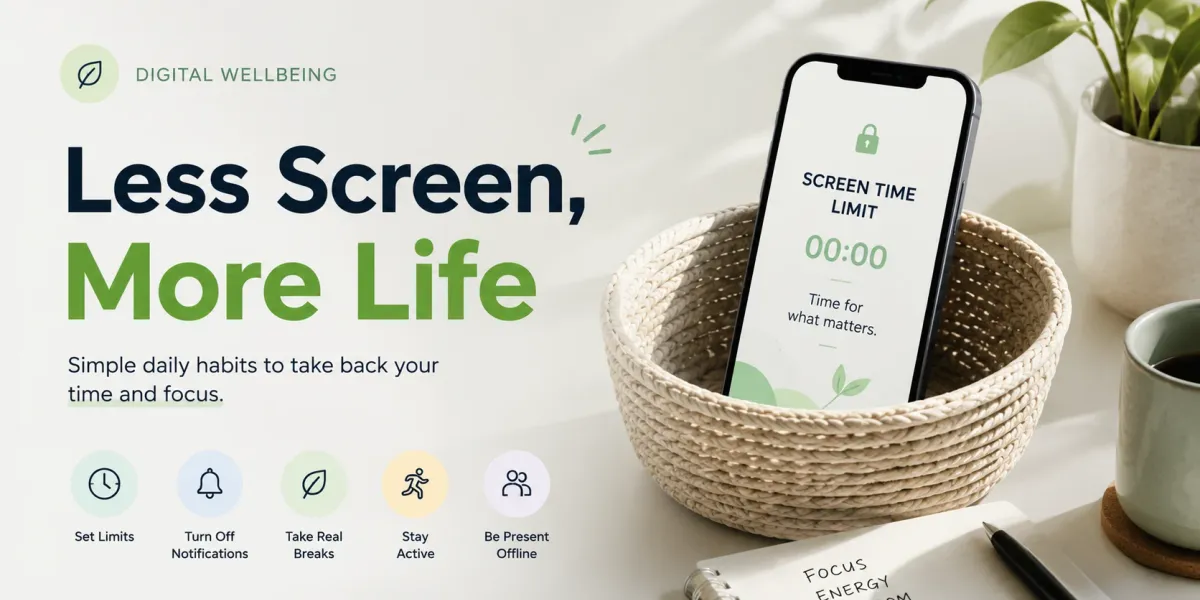
Most people reduce screen time fastest when they combine native controls, schedule phone-free moments, and add physical friction at key times. The good part is you can mix and match approaches, and this guide compares what’s practical, what’s awkward, and what actually sticks.
How can I actually reduce my screen time?
If you’re asking how to reduce screen time in a way that lasts, start with tracking, plan phone-free windows, and change key device settings. Experts commonly point to usage tracking, scheduling notification breaks, and adjusting settings as the foundation, because they reduce autopilot habits.
1. Track your usage with built-in tools
Use the phone’s native tracking feature right away. Android’s Digital Wellbeing and iOS Screen Time both show app-by-app minutes, and they let you set daily limits so you can see patterns instead of guessing.
- Digital Wellbeing (Android): Shows app-by-app usage time, includes daily limits, and highlights when you keep reopening the same apps.
- Screen Time (iOS): Tracks time per app, supports daily limits, and helps you notice which apps steal the most minutes.
Honestly, those alerts can annoy you in the moment, but that interruption is often what breaks the loop. Worth it, because you get a chance to choose your next action.
2. Schedule dedicated screen-free blocks
Set aside intentional phone-free windows each day. Burke’s “wait training” idea is simple: take short walks without the phone, and that practice can expand into bigger breaks, like a full Sunday off.
You don’t need a huge life overhaul on day one. Start small with one short block, then pick a specific day to repeat, and stick to it long enough to see the habit shift.
3. Change your lock-screen image
Swap your lock-screen photo for a reminder. Burke suggests using a picture that represents a habit you want, like a dog for “walk more,” a city for “get outside,” or a fitness goal to nudge healthier choices.
Your lock screen acts like a constant prompt when you reach for the phone. Use a theme that cues the behavior you want, and keep it visible so your brain gets the message without extra effort.
- Dog (walking cue)
- City (going out cue)
- Fitness goal (training cue)
4. Cut non-essential notifications
Turn off everything that isn’t urgent. Notifications act like a siren, pulling you back to your screen, and Burke also warns you can miss important alerts if you silence too much.
I treat notifications like a “last resort” tool, not a running commentary. So turn off the stuff that’s basically just noise, and keep only categories that truly matter.
- Essential: calls, direct messages, calendar reminders you rely on, and safety alerts.
- Non-essential: marketing promos, social app “likes” notifications, and most app-news updates.
5. Keep the phone out of reach at night
Create a bedtime phone boundary. Spada recommends no interactive tech after 7 pm, and she also suggests keeping the device about 2–3 m away in the bedroom.
Passive TV is fine, but interactive scrolling is the problem. When the phone sits far enough away, you have to decide to get it instead of grabbing it automatically.
6. Switch to a Keypad Phone
Consider a basic phone for calls and texts only. People often point to the reborn Nokia 3210 as an example, but Spada warns that avoiding smartphones can undermine control for lighter users who need a gentler approach.
FAQs
Who should choose a dumb-phone?
If you’re overwhelmed by every notification, a dumb-phone may fit. Burke highlights the social-connection challenges, and Spada cautions that straight avoidance might backfire for lighter users who still need better control, not a total retreat.
Who should try a digital-detox phone?
Tech-savvy users who want low-distraction hardware benefit. Some people look at TCL NxtPaper for the grayscale side-switch approach, which supports a quick visual change meant to reduce the appeal of scrolling.
The point is reducing the temptation at the hardware level without relying only on willpower. If you’re already the type to tweak settings, this kind of switch can fit your style.
Who benefits most from a full-detox retreat?
People needing a reset and structured support thrive here. The recommendation is 72 hours, and you’ll also want a plan for what happens after the detox, because your phone habits don’t disappear on their own.